17 Aug 2026
Post by Aurorina
Introduction
QLED shows up on price tags, spec sheets, and sales banners, yet many shoppers still wonder what sits behind the acronym. If you want a bright, punchy picture for sports, movies, or games in a living room with sunlight, this tech deserves a clear explanation before you buy. You will see impressive colors, high brightness, and a wide range of sizes across affordable and premium models. But QLED also sits among rivals like OLED, Mini-LED, and QD-OLED, which can make choices tricky. This guide cuts through marketing terms and focuses on what you can actually see on screen. You will learn how QLED works, how it compares, and how to set it up right. Then you can pick a TV with confidence.
Quick Answer: What’s a QLED TV?
Definition of QLED
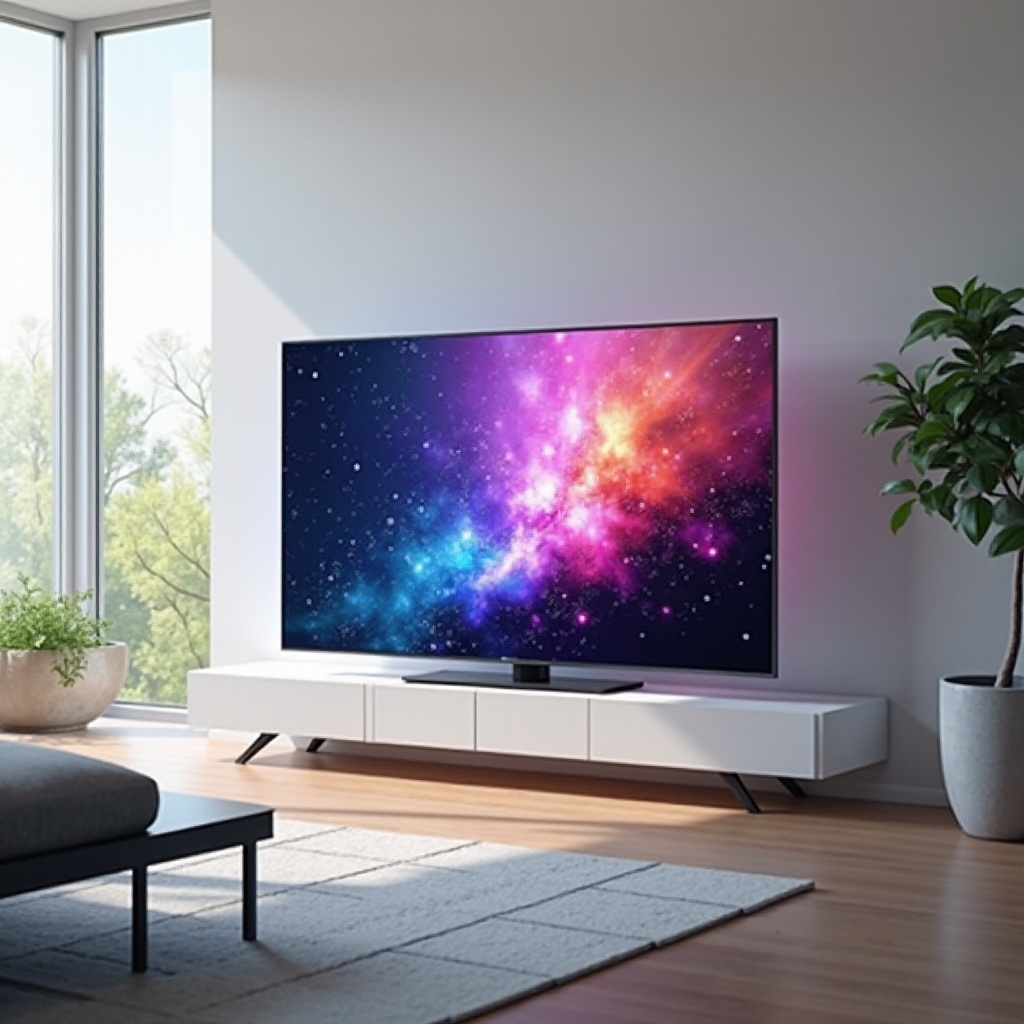
QLED stands for ‘quantum dot LED’. It is a type of LCD TV that uses an LED backlight and a quantum dot layer to improve color and brightness. The image still passes through an LCD panel, so it is a transmissive display, not self-emissive.
Key benefits at a glance
- High brightness for bright rooms and HDR highlights.
- Wide color gamut and strong color volume at high luminance.
- Broad selection of sizes and prices, from entry-level to flagship.
- Low burn-in risk for news, sports tickers, and gaming HUDs.
Who should consider QLED
Choose QLED if you watch a lot in well-lit spaces, need a very bright picture, or want strong gaming features on a budget. It makes sense for families, sports fans, and gamers who leave static elements on screen for hours.
How QLED Works: Quantum Dots + LED/LCD
Backlight and local dimming
QLED uses an LED backlight behind an LCD stack. In better models, that backlight sits in zones, either full-array or Mini-LED, that brighten and darken independently. Local dimming raises contrast by boosting bright objects and dimming dark areas. More zones and smarter algorithms mean less haloing and tighter control, especially in challenging HDR scenes.
Quantum dot color conversion
Between the backlight and the LCD panel, a quantum dot layer converts blue LED light into very pure red and green. This creates a wider color gamut and more saturated colors than standard LED-LCD. Because quantum dots emit narrow spectra, they keep color vivid even as brightness climbs. That strength helps HDR pop without washing out skin tones or bright highlights.
Panel types (VA vs IPS)
QLEDs ship with either VA or IPS-type LCD panels. VA panels usually deliver higher native contrast and deeper blacks but narrower viewing angles. IPS panels offer better off-axis color and brightness but lower contrast. Some brands add viewing-angle layers to VA panels to ease the trade-off. Check any model you consider for its panel type and the brand’s angle-improving film, as both influence your seating options.
QLED vs OLED vs Mini-LED and QD-OLED
Brightness and HDR punch
QLED excels at peak brightness, especially on models with Mini-LED backlights. That translates to vivid specular highlights and better performance in daylight. OLED and QD-OLED can get bright, but QLED often wins in larger, sustained bright scenes. If your room stays bright most of the day, QLED’s punch stands out and helps maintain contrast when sun or lamps hit the screen.
Contrast, black levels, and blooming
OLED and QD-OLED use self-emissive pixels for near-perfect blacks and no blooming. QLED relies on local dimming, so very dark scenes can show some halos around bright objects. High-zone Mini-LED QLEDs control blooming well, but top-tier OLED still sets the bar for black levels in light-controlled rooms. If you watch mostly at night, weigh how sensitive you are to halos versus your need for brightness.
Burn-in risk and longevity
QLED uses an LCD layer that does not suffer permanent burn-in the way emissive panels can. That makes it a safe pick for static logos and long gaming sessions. OLED and QD-OLED manage image retention with protections, but QLED removes the worry for heavy news or sports watchers. For households with kids who pause content or gamers who marathon one title, that peace of mind matters.
As you compare these strengths and trade-offs, it helps to focus on the traits you will notice from the couch: color, brightness, and uniformity.
Picture Quality Essentials You Will Notice
Color volume and wide color gamut
Quantum dots boost color gamut to cover most of DCI-P3 and often reach toward Rec.2020. More important, QLED holds saturation as brightness climbs. This color volume keeps HDR highlights richly colored instead of turning pale. Fireworks stay vibrant. Sunlit jerseys look bold. Animated movies pop without crushing fine shades.
Peak brightness (nits) and real-world highlights
Better QLEDs push high peak brightness on small highlights and maintain strong luminance across larger areas. This adds sparkle to sunlight, reflections, and fireworks. In mixed scenes, extra headroom helps preserve detail in bright skies without clipping whites. Sports and live shows benefit when arena lights and signage remain vivid without washing the crowd.
Screen uniformity and viewing angles
Uniformity matters for sports and panning scenes. Quality control varies by model, but higher-end QLEDs often show cleaner panels with fewer dirty-screen effects. VA panels have narrower viewing angles; look for enhanced viewing layers or consider IPS-type QLEDs if off-axis viewing is common. If your family spreads across a sectional, choose a set with angle aids or plan seating accordingly.
These visible factors come to life with HDR content, which depends on formats and how the TV maps signal to screen.
HDR Formats and Tone-Mapping on QLED
HDR10 and HDR10+
All QLEDs support HDR10, the baseline HDR format. Many also support HDR10+, which adds dynamic metadata for scene-by-scene tone-mapping. With HDR10+, the TV adapts brightness and contrast more precisely, preserving highlight detail while protecting shadow texture. Look for both if you stream shows that promote HDR10+.
Dolby Vision compatibility and workarounds
Some brands support Dolby Vision; others do not. If your QLED lacks Dolby Vision, it still plays HDR10 from those sources. Many streaming apps offer both formats, and good tone-mapping can close the gap. Check your model’s format list before you buy if Dolby Vision matters to you, especially for specific platforms or studios.
Creator intent vs dynamic tone mapping
Static tone-mapping can clip highlights; dynamic methods preserve more detail. Filmmaker Mode and similar profiles aim to honor creator intent by limiting processing. You can switch between modes based on content and preference to balance accuracy and punch. For animated content or games, a bit more dynamic mapping can add sparkle without harming color.
Beyond movies, gamers demand fast response and advanced inputs. QLED has become a strong option with modern consoles and PCs.
Gaming on QLED: 4K/120, VRR, and ALLM
HDMI 2.1 bandwidth and ports
Look for true HDMI 2.1 ports with enough bandwidth for 4K at 120 Hz. Many mid-to-high-end QLEDs include two or four such ports. Check support for VRR standards like HDMI-VRR, FreeSync Premium, or G-SYNC Compatible. If you own both a console and a PC, plan your port usage to avoid cable swaps.
Input lag, response time, and blur reduction
Modern QLEDs offer very low input lag in Game Mode, often under 10 ms. Response times vary but are fast enough for shooters and racers. Use blur reduction and black frame insertion carefully; too much can dim the image or add artifacts. If the picture flickers with BFI, lower the setting or switch it off for bright rooms.
HGiG and game mode calibration tips
Enable ALLM so consoles trigger Game Mode automatically. If available, use HGiG to align the TV’s tone-mapping with your console’s HDR calibration. Set brightness, contrast, and color in Game Mode, then tweak sharpness and motion controls to taste. Many TVs let you apply game settings per input so each device gets an optimized profile.
Once performance boxes are ticked, the day-to-day experience depends on apps, voice control, and casting. That convenience drives how often you reach for the remote.
Smart TV Experience and Ecosystems
App libraries and update cadence
Most QLEDs run mature platforms with the key streaming apps. Choose a TV with frequent updates and a responsive interface. If your brand lags on updates, consider adding a streaming stick for faster app support. That add-on can keep the TV useful longer if the built-in platform ages.
Voice assistants and privacy controls
Many QLEDs integrate Alexa, Google Assistant, or built-in voice services. You can disable mics or limit permissions during setup. Use voice for quick searches and input changes, but review privacy settings and decide whether to enable wake words.
Casting, AirPlay, and multi-device features
Casting from Android or AirPlay from Apple devices adds flexibility. Look for multi-view or picture-in-picture if you like to track a game while browsing. A smooth handoff between phone and TV keeps the experience simple, especially when switching between family profiles.
Platform polish helps, but your room and seating can make or break picture quality. A few placement tweaks can unlock the best performance.
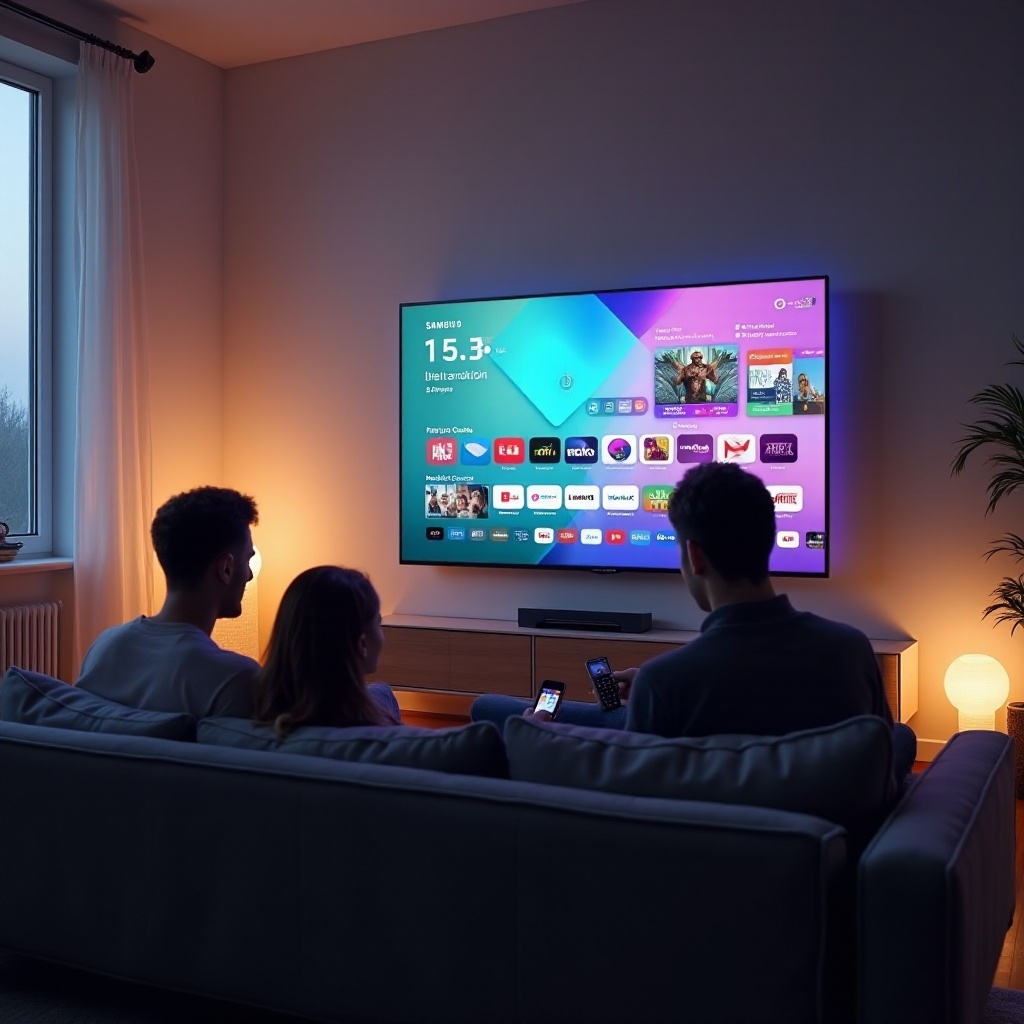
Best Room Conditions and Seating for QLED
Bright living rooms vs light-controlled spaces
QLED thrives in bright rooms thanks to powerful backlights. In a light-controlled theater, it still looks excellent, though OLED may offer deeper blacks. If you cannot darken your space, QLED’s brightness wins and maintains color in midday viewing.
Anti-glare coatings and reflections
Look for models with strong anti-reflection treatments. Glossy screens with advanced coatings maintain contrast while diffusing reflections. Place lights behind the TV or off to the side and avoid windows directly opposite the screen. A simple curtain or shade can reduce glare more than any setting.
Seating distance and wall mounting
Sit at 1.2 to 1.6 times the screen’s diagonal for 4K. Mount the TV at eye level from your main seat. If your couch sits far to the side, favor QLEDs with viewing-angle enhancement or IPS-type panels. A swivel mount can also help align the screen with multiple seating positions.
With your room assessed, you can narrow models by size, tier, and value. Knowing when to step up pays off in contrast and motion.
Sizes, Model Tiers, and Value Picks
Entry-level, mid-range, and flagship QLEDs
- Entry-level: Basic local dimming, solid brightness, strong value. Good for casual TV and bright rooms.
- Mid-range: Better dimming, higher color volume, more HDMI 2.1. Suits mixed use and serious sports.
- Flagship: Mini-LED backlights, many dimming zones, top processors, best motion and HDR. Ideal for frequent HDR movies and gaming.
When Mini-LED backlights are worth it
Mini-LED increases zone count and uniformity. It reduces blooming, boosts HDR precision, and improves bright-scene consistency. If you care about contrast control in mixed scenes, it is worth the premium. Fast motion and high-contrast games also gain from finer light control.
Cost-to-performance sweet spots
Mid-range QLEDs often deliver 80 to 90 percent of flagship performance for much less. Look for last-season flagships on discount; they can beat current mid-range sets at similar prices. Balance must-have features with panel size, as a larger screen often brings more immersion than a small picture quality bump.
After you pick a tier, set things up right to get the picture you paid for. A few menu changes make a big difference.
Setup Tips: Picture Modes and Calibration
Start with Movie or Filmmaker Mode
Switch to Movie, Filmmaker, or a calibrated preset for accurate color and gamma. These modes turn off heavy processing and offer a neutral starting point. Use Warm color temperature for more natural whites. For sports, a slightly cooler tone may look crisper under bright lights.
Motion settings (de-judder, de-blur, BFI)
- De-judder: Low settings smooth 24p judder without adding a strong soap-opera effect.
- De-blur: Helps with fast action; use modest values for clarity without artifacts.
- Black Frame Insertion: Improves motion clarity but reduces brightness; use sparingly and only in dim rooms.
Basic color and white balance steps
Set backlight for your room. Adjust brightness and contrast to avoid clipping using test patterns or a simple streaming calibration video. If your TV offers two-point white balance, nudge gains and offsets for a neutral grayscale, or hire a pro for full calibration. Save separate profiles for SDR and HDR so each format stays consistent.
You will hear bold claims about QLED, so it helps to separate fact from fiction before you buy.
Common Myths About QLED TVs
QLED is a new panel type
Reality: QLED is still LCD with an LED backlight. Quantum dots improve color and brightness, but it is not a new self-emissive panel. Think of it as a powerful upgrade to tried-and-true tech.
All QLEDs perform the same
Reality: Performance varies widely. Zone count, dimming algorithms, panel type, and processing separate budget models from flagships. Reading professional tests and user feedback helps spot standouts.
QLED cannot do deep blacks
Reality: High-zone Mini-LED QLEDs achieve excellent dark-scene performance with minimal blooming. OLED still leads for absolute blacks, but good QLEDs get close in many scenes, especially with bright highlights.
With myths cleared, use a concise checklist to lock in your choice and avoid surprises.
Quick Buying Checklist
Must-have specs for most buyers
- Full-array or Mini-LED local dimming with effective zone control.
- At least two HDMI 2.1 ports with 4K/120 and VRR.
- 90 percent or more DCI-P3 coverage and strong peak brightness.
- Reliable smart platform with the apps you use most.
Nice-to-have features for enthusiasts
- Four HDMI 2.1 ports for multiple next-gen devices.
- HDR10+ or Dolby Vision, depending on your ecosystem.
- Anti-reflection coating and viewing-angle layer.
- Filmmaker Mode, HGiG, and comprehensive calibration controls.
Red flags and pitfalls to avoid
- Edge-lit models marketed like full-array sets.
- Limited bandwidth on ports that claim HDMI 2.1.
- Excessive blooming reports or poor uniformity in reviews.
- Slow app performance and rare firmware updates.
You now have a clear view of what QLED brings and how to choose wisely. The final step is to weigh your room, habits, and budget.
Conclusion
QLED is a powerful evolution of LCD that turns up brightness and color through quantum dots. It shines in bright rooms, handles gaming with low lag and 4K/120, and avoids burn-in. Mini-LED backlights and smart local dimming push contrast far beyond older LED-LCD sets. While OLED and QD-OLED still own perfect blacks in dark theaters, QLED delivers a balanced, versatile experience across sizes and prices. Match the panel to your room, pick the right tier, and pay attention to dimming, HDR formats, and HDMI features. Finish with a careful setup, and you get crisp detail, bold highlights, and rich color for every movie night and big game.
Frequently Asked Questions
Is a QLED TV better than OLED for bright rooms?
Yes. QLED usually reaches higher peak and sustained brightness, so it resists washout from daylight and overhead lighting. In dark rooms, OLED still offers deeper blacks and no blooming.
Do QLED TVs suffer from burn-in?
QLEDs are LCD-based and do not suffer permanent burn-in the way emissive panels can. You can leave news tickers, static HUDs, or channel logos on for long sessions without long-term damage.
What is the difference between QLED, Mini-LED, and QD-OLED?
QLED uses an LCD panel with an LED backlight and quantum dots for color and brightness. Mini-LED is a denser backlight for QLED with more zones. QD-OLED is self-emissive, combining OLED with quantum dots for perfect blacks and high color brightness.