23 Jul 2026
Post by Aurorina
Introduction
You want the best iPhone to buy, not a pile of confusing specs. The right choice starts with your priorities: camera quality, battery life, screen size, price, and how long you plan to keep the phone. Apple sells several strong options across price tiers. That is good news for your wallet but can create choice overload for everyone else.
This guide cuts through the noise. You will get quick picks for the most common needs, then a clear framework to narrow the lineup to two or three models. Each section explains gains and trade-offs in plain language, so you do not overpay or miss features you will use daily. You will also see safe ways to buy refurbished, how to time deals, and which storage size fits your habits. Use this guide to build a short list, compare the top candidates, and walk away confident you chose the right iPhone.
Before we dig into the details, let us start with quick answers you can use right away, then move into the factors that shape your decision.
At a Glance: Quick Picks for Different Buyers
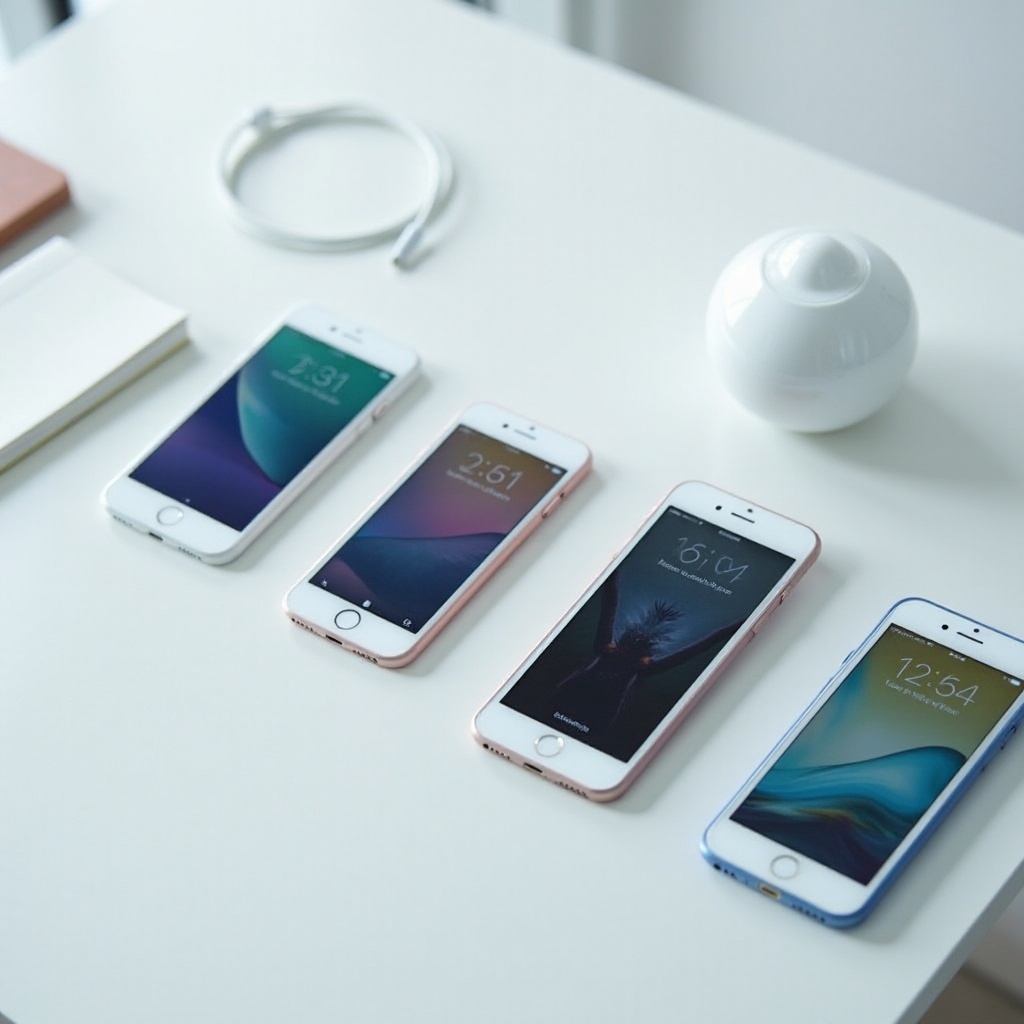
If you need a fast recommendation, use these picks to jumpstart your search. Each one balances price, features, and real daily use.
- Best for most people: Latest standard iPhone at 128GB. Great camera, bright display, strong performance, fair price.
- Best overall: Latest Pro iPhone. Premium display, advanced camera tools, top performance, long support.
- Best camera: Latest Pro Max iPhone. Bigger sensor, better stabilization, longer zoom, superb video tools.
- Best battery life: Latest Pro Max iPhone. Large battery and efficient chip for road warriors.
- Best large-screen value: Latest Plus model. Big display and battery without Pro pricing.
- Best compact option: Standard-size iPhone for one-hand use; SE if you want the smallest and lowest price.
- Best budget pick: iPhone SE or previous generation standard model sold new or certified refurbished.
These picks give you a starting point. Next, learn how to weigh size, camera, battery, budget, and longevity so your shortlist fits your life.
How to Choose the Best iPhone for You
Choosing well means matching the phone to your routine and budget. Use this checklist to decide fast and avoid paying for features you will not use.
Budget and Total Cost of Ownership
- Set a total spend target that includes tax, AppleCare+, a case, and a charger if needed.
- Compare trade-in values and carrier bill credits, then read the fine print on commitments.
- Consider resale value. Higher-end models often retain more value after two or three years.
Size, Comfort, and Display
- Try phones in hand if possible. Comfort matters more than you think for long days.
- Choose big screens for reading, maps, and media. Pick smaller sizes for portability and pockets.
- Premium displays add higher brightness and smoother motion; great for outdoor use and gaming.
Camera Priorities: Photos vs. Video
- Portraits, nightlife, and wildlife benefit from larger sensors and telephoto reach.
- Frequent video shooters should look for better stabilization, codecs, microphones, and larger storage.
Battery Life and Charging
- Heavy users and travelers should favor Plus or Pro Max sizes for longer battery life.
- USB C simplifies charging across devices. Fast charging speeds vary by model and charger.
Performance and Thermal Headroom
- All current models feel fast. Pro chips handle long gaming or editing sessions with fewer slowdowns.
- If you push the phone hard, Pro or Pro Max sustain performance longer under load.
Longevity, iOS Support, and Resale
- Newer models get more years of iOS features and security patches.
- A higher upfront price can pay off with longer usable life and stronger resale value.
With your priorities clear, map them to the right category. The next section ranks the current options and explains what you gain and lose with each pick.
The Best iPhones Right Now by Category
Here are the best options for common needs. Focus on the benefits you care about and the trade-offs you can accept.
Best Overall iPhone
Choose the latest Pro if you want a flagship that balances size, power, and camera features. You get a premium display, strong battery life, and advanced photo and video tools without carrying the largest phone.
Best iPhone for Most People
Pick the latest standard iPhone for the best mix of price and performance. You get a great main camera, a bright screen, and fast chips with years of updates. You skip some Pro camera extras but save serious cash.
Best Camera iPhone
If image quality leads your decision, go Pro Max. Expect superior low light, longer reach, and the most stable video. Creators will also enjoy pro video formats and fine control over frame rates.
Best Battery-Life iPhone
The Pro Max wins for stamina. The larger chassis fits a bigger battery and keeps performance steady. If you hate mid day charging, this is the best iPhone to buy.
Best Large-Screen Value
The Plus model delivers a big display and long battery life without Pro pricing. You miss some Pro camera and display features, but the comfort for reading and streaming is excellent.
Best Compact Option
If you prefer one hand use, the standard size iPhone is the sweet spot. For the smallest and cheapest option, the SE works well if you can live without premium camera and display features.
Best Budget or Entry Level
Choose the SE or a previous generation standard model sold new. You get core iPhone quality, iOS support, and a low price. For most buyers, that is enough for daily use.
Once you know your category, anchor the choice by price. The next section frames picks by budget so you can lock in a smart spend.
Picks by Budget: Under 500, 500–800, 800–1,200+
Price ranges help you narrow the field without second guessing. Use these tiers to choose with confidence.
Under 500: Smart Starter Picks
- iPhone SE new or certified refurbished for essentials, reliability, and updates.
- A previous generation standard model on sale for better cameras and battery than SE.
- Choose unlocked when possible to stay flexible with carriers.
500–800: Best Value for Money
- Latest standard iPhone for most people. Strong camera, screen, and performance.
- Watch for sales on the Plus if you want a large display and a bigger battery.
800–1,200+: Premium and Pro Choices
- Latest Pro for advanced camera tools, premium display, and top chips.
- Latest Pro Max for the most capable camera and longest battery life.
With a price target in mind, let us break down who each current model serves best and what you trade to save money.
Model-by-Model Breakdown: Who Should Buy Each Current iPhone
Use this section to match a model to your needs based on size, camera, and budget.
Latest Pro Max: Ultimate Camera and Battery
Pick this if you shoot a lot, love big screens, or travel often. It shines in low light, captures distant subjects, and records stable video. The trade-offs are size and price, but the gains are huge for creators and power users.
Latest Pro: Creator Friendly Sweet Spot
Choose the Pro for a premium display, pro camera features, and strong thermal headroom in a more comfortable size. It suits photographers, students in media, and anyone who edits on the go.
Latest Standard Model: Best for Most People
This is the default pick for everyday users. You get fast performance, a great main camera, and long support. Skip it only if you need pro zoom or an always smooth high refresh display.
Latest Plus Model: Big Screen on a Budget
If you want a huge display for reading, maps, and movies, the Plus hits the spot. Battery life is excellent, and the price stays well below the Pro line. You give up some camera and display extras but keep the comfort you want.
SE or Budget Model: Essentials and Reliability
The SE is ideal for light users, kids, or those who want the lowest price with Apple reliability. Expect a solid main camera, fast chips for daily tasks, and years of updates. You trade away premium display tech and advanced camera systems.
Once you pick a model, buy at the right time to save more. The next section shows how to spot deal windows and avoid hidden costs.
When to Buy: Release Cycles, Deals, and Trade-In Timing
Timing matters. New releases, carrier promos, and holiday sales can change the math fast.
New Release Windows and Seasonal Sales
- Watch for launch promos, Apple gift card bundles, and limited time trade-in boosts.
- Back to school and major holiday periods often bring strong discounts and bill credits.
Carrier vs Apple Trade-In Tips
- Compare trade-in quotes from Apple, carriers, and trusted retailers.
- Know that carrier bill credits can lock you into multi year commitments.
Avoiding Hidden Costs and Contracts
- Check activation fees, line requirements, and early upgrade rules.
- Avoid add ons you do not need, like overpriced insurance or bloated data plans.
After timing, choose the right storage so you do not pay for capacity that sits empty or run out when you need it most.
Storage Guide: 128GB vs 256GB vs 512GB+
Pick storage based on your photo and video habits and how long you plan to keep the phone.
Photo and Video Needs
- If you record 4K, time lapses, or long clips, start at 256GB.
- Heavy creators or ProRes shooters should consider 512GB or more.
iCloud vs Local Storage
- iCloud helps, but large libraries still benefit from 256GB or higher.
- Budget buyers can pair 128GB with strict cloud habits and regular offloads.
Future Proofing Storage
- If you keep phones three to five years, step up one tier from current usage.
- Larger storage can raise resale value and ease long term ownership.
If you want to save more, refurbished or used can be smart. The next section shows how to buy safely without guesswork.
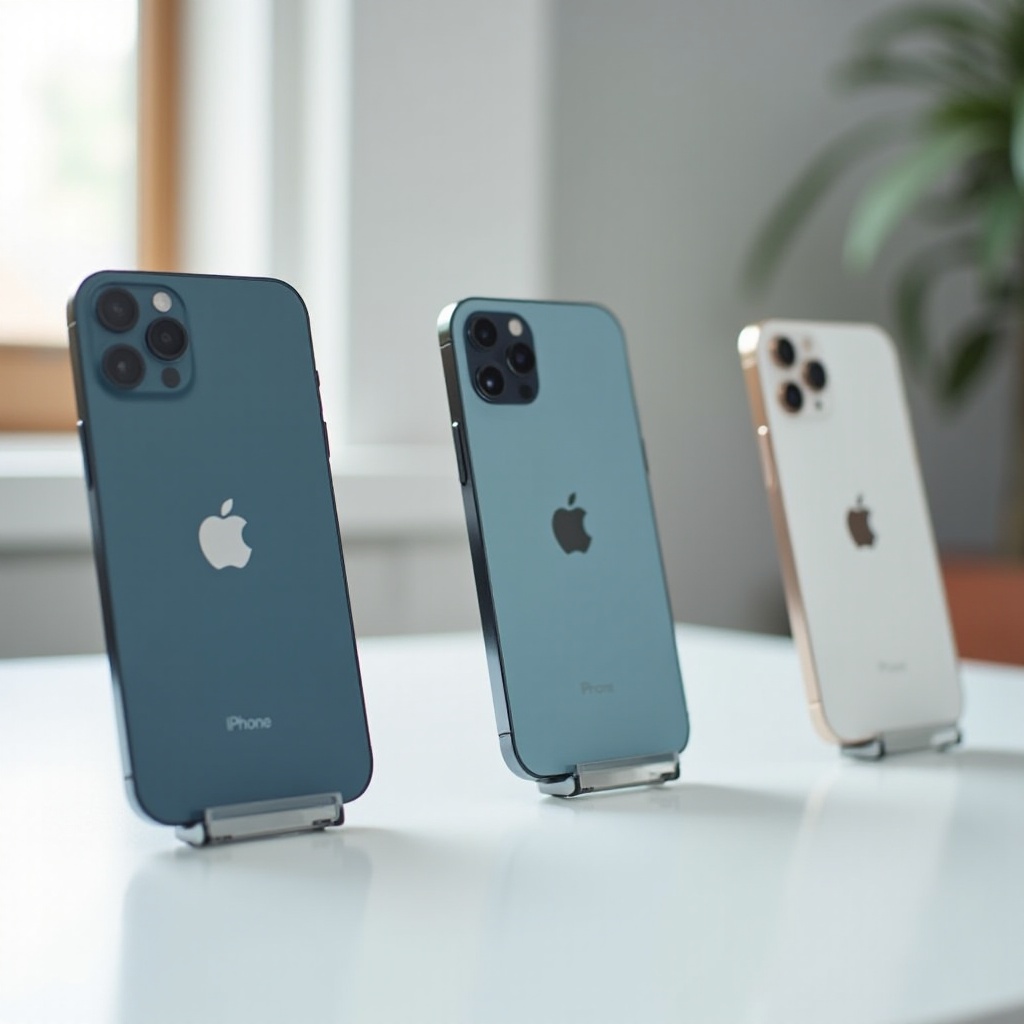
New, Refurbished, or Used: How to Buy Safely
You can trim costs with refurbished or used models if you verify condition and coverage.
Certified Refurbished and Warranty
- Prefer Apple Certified Refurbished or trusted sellers that include a warranty.
- Confirm genuine parts and documented service history when available.
Battery Health and Return Policies
- Check battery health in settings and avoid units with poor capacity and no warranty.
- Buy with a return window so you can test cameras, buttons, speakers, and radios.
Red Flags to Avoid
- Avoid activation locked devices or mismatched serial numbers.
- Skip suspicious listings with deep discounts and no proof of purchase.
Connectivity is your daily lifeline. Make sure the phone plays well with your carrier and travel plans before you buy.
Connectivity and Carriers: eSIM, 5G Bands, and International Travel
Network details affect coverage, speeds, and flexibility at home and abroad.
eSIM Setup and Unlocking
- Most US models rely on eSIM. Set up lines through your carrier app or account.
- Buy unlocked when possible for simpler switching and better travel options.
5G Support and Rural Coverage
- Check your carrier map for mid band 5G where you live and work.
- mmWave can be very fast but remains limited to certain zones.
Traveling Abroad with Your iPhone
- Use local eSIM plans overseas to cut roaming costs.
- Confirm supported bands and rates before you leave, and download offline maps.
A few smart accessories protect your phone and streamline daily use. Here is what to get and what to skip.
Durability, Accessories, and Charging: What You Actually Need
Protect your investment and keep your kit simple and reliable.
Cases, Screen Protectors, and MagSafe
- Use a slim case and tempered glass to survive drops and scratches.
- MagSafe chargers, wallets, and mounts add daily convenience.
USB C, Charging Speeds, and Cables
- Stick with certified USB C cables and reputable chargers for safety.
- Larger models often charge and sustain performance better under load.
Must Have Add Ons for Daily Use
- Carry a compact power bank, a car mount, and a spare cable for travel.
- Video shooters may want a grip, mic, or tripod for stable footage.
Hardware is only part of the story. Long software support and security updates extend value and safety over years.
Software Support and Security: How Long Your iPhone Will Last
iPhones are known for long update windows, which boosts longevity and resale.
iOS Updates and Feature Support
- Newer models get more years of features, optimizations, and bug fixes.
- Older chips still receive core updates but may miss advanced features later.
Security Patches and Privacy
- Install security updates promptly and use a strong passcode with Face ID or Touch ID.
- Use a password manager and turn on two factor authentication for key accounts.
Resale Value Over Time
- Keep the phone in a case, store the box, and keep cables tidy to improve resale.
- Selling before new launches often maximizes trade value and lowers upgrade costs.
Conclusion
Start with your top priority: camera, battery, size, or price. Use the quick picks to shortlist two models, then match them to your budget and storage needs. Time your purchase around launches or major sales, and compare trade in offers from Apple and carriers. If you want to save more, consider certified refurbished with a warranty. Choose the standard iPhone for value, the Pro for creative work, the Pro Max for camera and battery, or the Plus for an affordable big screen. Follow this path and you will land the best iPhone to buy for your needs and budget.
Frequently Asked Questions
Which iPhone offers the best value for most people right now?
The latest standard iPhone delivers the best balance of price, performance, camera quality, and battery life. It handles daily apps, social media, photos, and light video easily while keeping costs down.
Is it worth paying more for the Pro or Pro Max versions?
Yes, if you want advanced camera tools, a premium display, and stronger sustained performance. Choose Pro for balance and size, or Pro Max for the longest battery life and the most capable camera system.
How much storage should I choose if I shoot a lot of video?
Start at 256GB if you record frequent 4K clips or keep files offline. Step up to 512GB or more for high bit rate formats or longer projects. If you offload to cloud often, 256GB can still work well.