13 Jun 2026
Post by Aurorina
Choosing the right computer is crucial to getting the best results from your 3D printer. As the technology behind 3D printing advances, so do the demands on your computer system. With this guide, you’ll be able to select a computer that handles today’s cutting-edge 3D printing technologies efficiently and effectively, ensuring both quality and speed in your prints.
Introduction
3D printing merges creativity with advanced technology, and to execute its tasks efficiently, your computer must meet specific capabilities. The goal of this article is to navigate you through the specifications your computer should have for handling complex 3D printing software, as well as to introduce you to some of the top-performing computer models for 3D printing in 2024.
Understanding 3D Printing Software and Computer Requirements
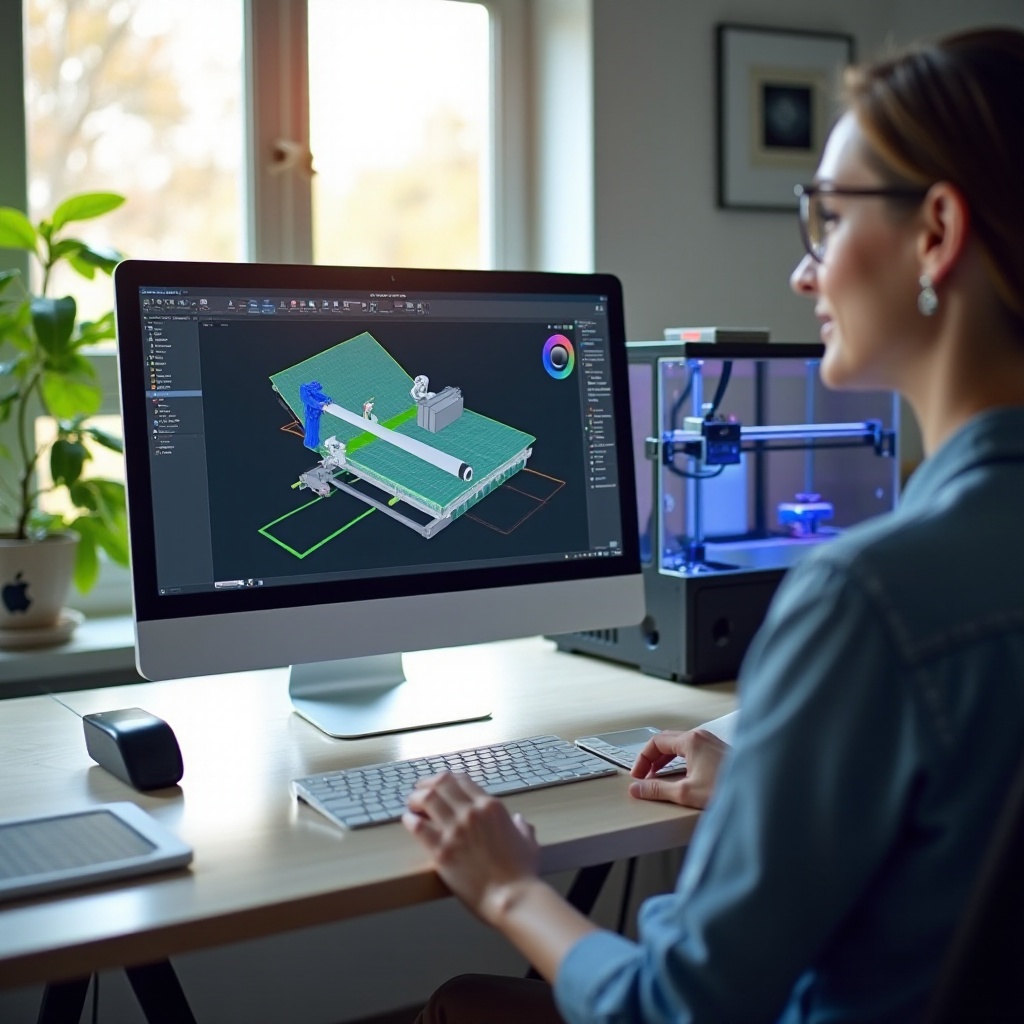
The software driving your 3D printer plays a pivotal role in the printing process. Programs like Autodesk Fusion 360, Blender, and Cura each have specific requirements for peak functionality. Ensuring that your computer meets these requirements is essential for a smooth 3D printing experience. Generally, you’ll need:
- A powerful processor for complex calculations and rendering.
- Sufficient RAM to handle multiple tasks simultaneously.
- An appropriate graphics card for rich 3D model visuals, though this may vary based on your specific software needs.
- A solid-state drive (SSD) for fast data handling and storage of large design files.
Critical Computer Specifications for 3D Printing
Once you understand the software requirements, it’s time to dive into the critical computer specifications that will optimize your 3D printing performance.
Processor (CPU) Essentials
For seamless operation, choose multi-core processors such as Intel’s i5 or i7 series or AMD Ryzen 5 or 7 series. These models provide the necessary power for rendering and processing detailed 3D models.
Importance of RAM for Smooth Operations
RAM is key for facilitating multitasking and ensuring smooth software performance. While 8GB may be suitable for basic tasks, 16GB or more is recommended for more demanding applications and large files.
Graphics Card: When You Need It and When You Don’t
A dedicated GPU can significantly enhance rendering quality in intricate models but isn’t always necessary. Midrange cards like the NVIDIA GTX 1660 or RTX 3060 often suffice for most users.
With these specs in mind, deciding between a desktop and a laptop is the next logical step.
Desktop vs. Laptop: Which Is Better for 3D Printing?
Selecting between a desktop and a laptop depends on your specific work habits and needs.
Pros and Cons of Desktop Computers
Desktops usually offer superior performance for the price. Easier upgradability and better cooling systems make them ideal for long, intensive 3D printing tasks. However, they lack the portability laptops offer.
Why Some Users Prefer Laptops
Laptops provide flexibility and mobility, allowing you to work from almost anywhere. Modern models like the Dell XPS or MacBook Pro can handle most 3D printing tasks efficiently, although they might come at a higher cost compared to desktops.
Having understood the need for suitable hardware, let’s now explore our top picks for 3D printing computers in 2024.
Top Computer Picks for 3D Printing in 2024
High-Performance Models
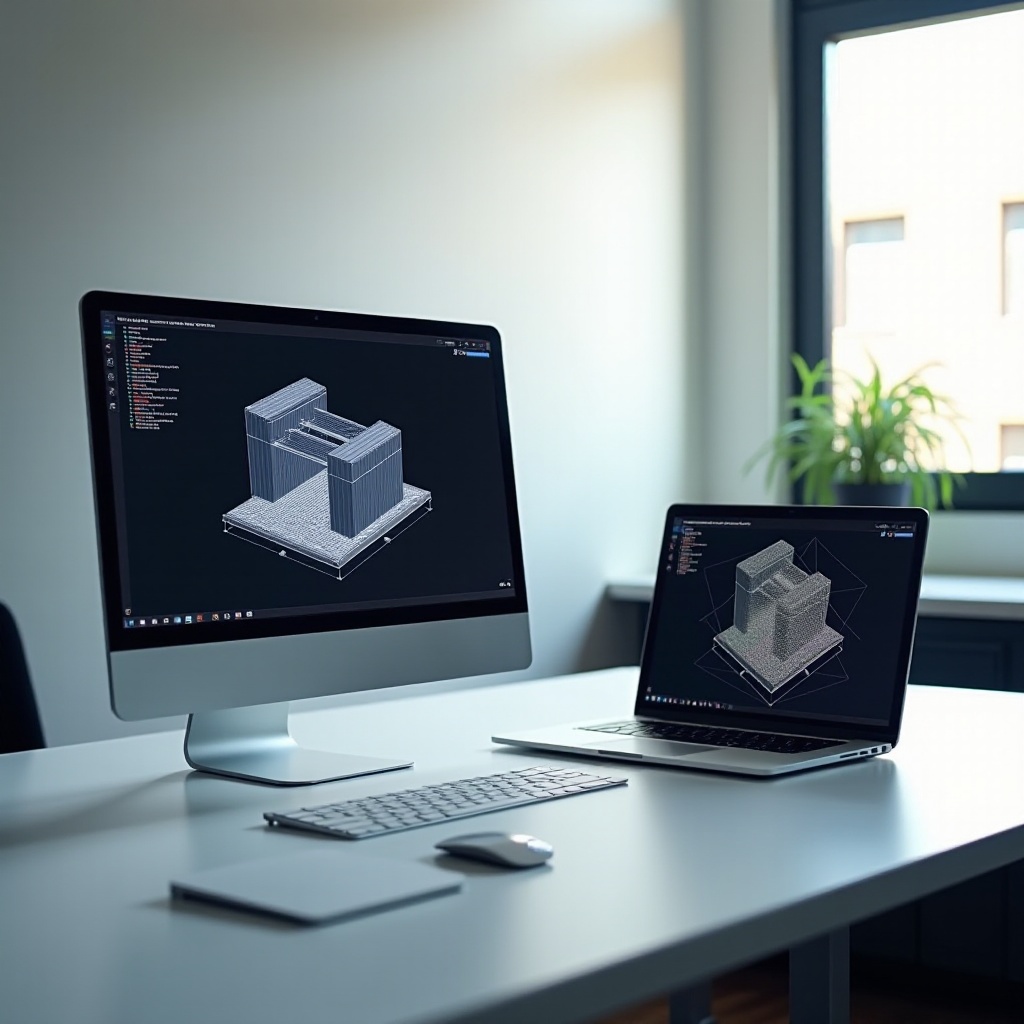
For professional use, the Alienware Aurora R13 and Apple MacBook Pro with M1 Max chip are leading choices, offering unparalleled performance for intensive 3D printing projects.
Mid-Range Options for Enthusiasts
Enthusiasts seeking a balance between power and cost should consider the Lenovo Legion T5 or HP Spectre x360, designed for high-quality performance without premium pricing.
Budget-Friendly Choices for Beginners
Beginners or those focusing on simple designs will find the Acer Aspire 5 or Dell Inspiron 15 to be excellent starting points, providing the needed capabilities at an accessible price.
Finally, consider enhancing your overall setup with a few strategic upgrades.
Tips for Enhancing Your 3D Printing Setup
Essential Accessories
Investing in a high-quality monitor, ergonomic peripherals, and perhaps a cooling pad for laptops can create a more effective and comfortable working environment.
Software Optimization Techniques
Keep your 3D software updated for new features and optimizations. Adjust your graphics settings to ensure a balance between rendering speed and model quality, especially with complex designs.
Conclusion
Choosing the right computer significantly impacts the quality of your 3D printing work. By focusing on the necessary specifications and your specific needs, whether professional-level resources or portable solutions, your 3D printing tasks can be optimized for better performance and efficiency. Keep an eye on advances in technology and new computing models to keep your setup at the forefront of 3D printing capabilities.
Frequently Asked Questions
What is the ideal RAM size for 3D printing?
For optimal performance, at least 16GB of RAM is recommended, especially for complex designs or multitasking.
Do I need a dedicated GPU for 3D printing?
While not essential for all tasks, a dedicated GPU enhances performance for high-quality models or graphic-intensive tasks.
Can I use a Mac for 3D printing tasks?
Yes, Macs, especially the MacBook Pro with M1 chip, can effectively handle 3D printing tasks and support various 3D software.