19 May 2026
Post by Aurorina
Introduction
Choosing the right monitor for your MacBook Pro can significantly enhance your productivity and entertainment experience. Curved monitors have gained popularity for their immersive display and ergonomic benefits. This guide will help you select the best curved monitor for MacBook Pro in 2024.
Why Choose a Curved Monitor for Your MacBook Pro?
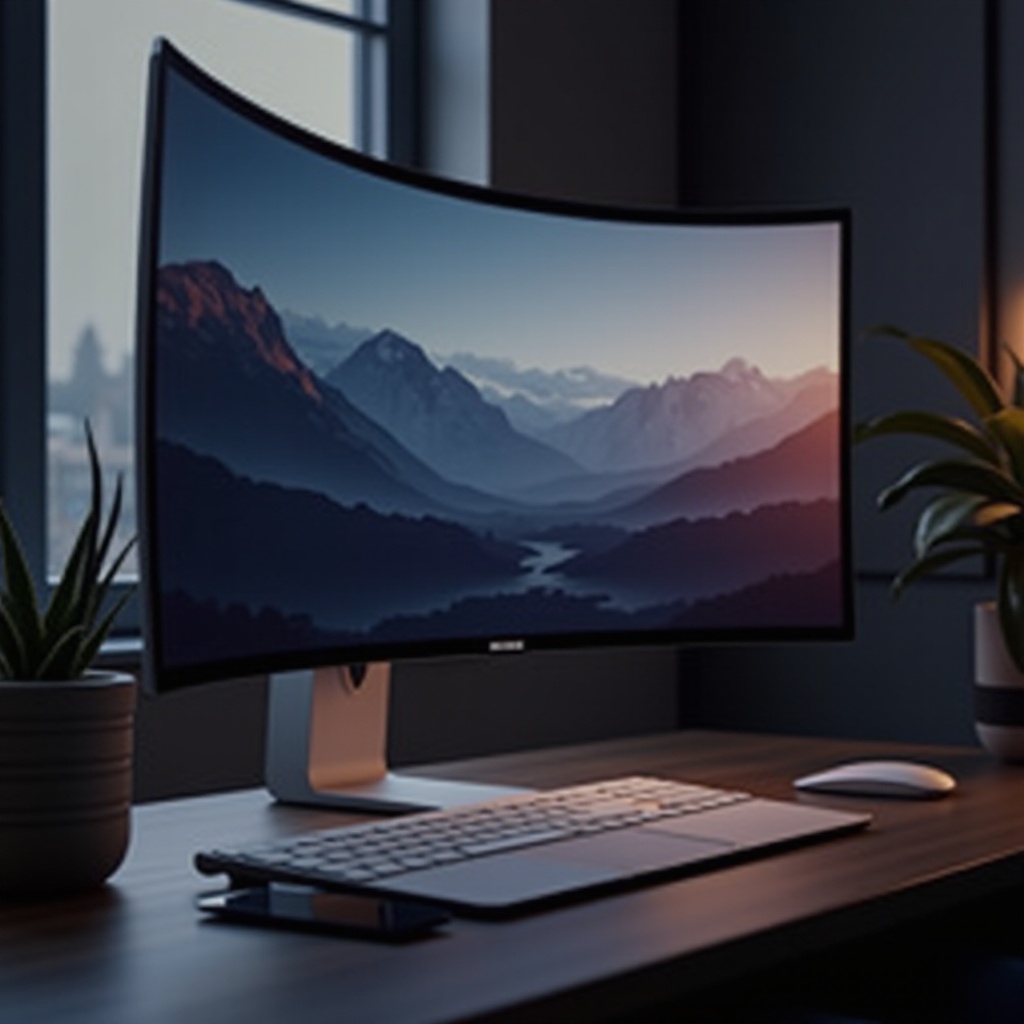
Curved monitors offer several advantages that can enhance your experience when paired with a MacBook Pro.
Enhanced Viewing Experience
Curved screens provide an immersive view, making you feel more involved in the activity on-screen, whether you are streaming movies, working on graphic designs, or engaging in multitasking. The subtle curve wraps around your field of view, creating a more uniform focal distance to reduce eye strain.
Improved Productivity
With a broader field of view, curved monitors allow you to maintain multiple applications open simultaneously without compromising clarity. This layout can boost productivity by enabling you to manage multiple projects more efficiently.
Ergonomic Benefits
Curved monitors support better posture and reduce neck strain, which is essential for those long hours spent in front of the screen. By matching the natural curvature of the eye, these monitors decrease the need for head movements and can reduce fatigue.
Understanding these benefits facilitates a smoother transition into discussing key features that should influence your purchase decision.
Key Features to Consider in a Curved Monitor
Before choosing a curved monitor for your MacBook Pro, it’s crucial to understand the features that cater to your specific needs.
Screen Size and Resolution
A well-balanced screen size and resolution can enhance your viewing experience. Opt for larger monitors to maximize workspace, and consider higher resolutions like 4K for sharper imagery. Ensure the monitor size suits your workspace without causing clutter.
Connectivity Options for MacBook Pro
Ensure the monitor has the relevant ports such as USB-C or Thunderbolt 3 for seamless integration with your MacBook Pro. These ports facilitate fast data transfer and can also provide power delivery, helping reduce desk clutter.
Refresh Rate and Color Accuracy
Higher refresh rates, like 144Hz, offer smoother graphics, which can be crucial for gaming or video content. Accurate color representation is vital for professions such as graphic design and video editing, ensuring true-to-life visuals.
With these factors in mind, let’s explore some of the top curved monitors available in 2024 that align with these considerations.
Top 5 Curved Monitors for MacBook Pro in 2024
Our top picks for curved monitors in 2024 are selected based on performance, compatibility, and user satisfaction.
Samsung Odyssey G7
The Samsung Odyssey G7 is renowned for its QLED display and 2560×1440 resolution, delivering vivid and sharp images. Its 240Hz refresh rate ensures fluid graphics, enhanced by versatile connectivity options including HDMI, DisplayPort, and USB.
Dell UltraSharp U3419W
This 34-inch monitor is a multitasker’s dream, offering a spacious screen and WQHD resolution. Its impressive color accuracy makes it ideal for creative professionals. The inclusion of USB-C connectivity allows for an efficient, streamlined setup.
LG UltraWide 34WN80C-B
With a vast 34-inch screen and sRGB 99% Color Gamut, this monitor boasts stunning visuals. Its USB-C connectivity cuts down on cable clutter, providing a seamless connection with your MacBook Pro.
ASUS TUF Gaming VG32VQ
Featuring a 32-inch display with a 144Hz refresh rate and FreeSync technology, the ASUS TUF is perfect for gamers. Its ergonomic design and plentiful connectivity options make extended use comfortable and hassle-free.
BenQ EX3501R
The BenQ EX3501R, with its 35-inch display and HDR support, provides exceptional brightness and contrast suited for both work and leisure. Its comprehensive connectivity, including USB-C and various HDR modes, makes it versatile for everyday use.
Once you have chosen your monitor, setting it up correctly is the next step, ensuring you benefit from your new investment.
Setting Up Your Curved Monitor with MacBook Pro
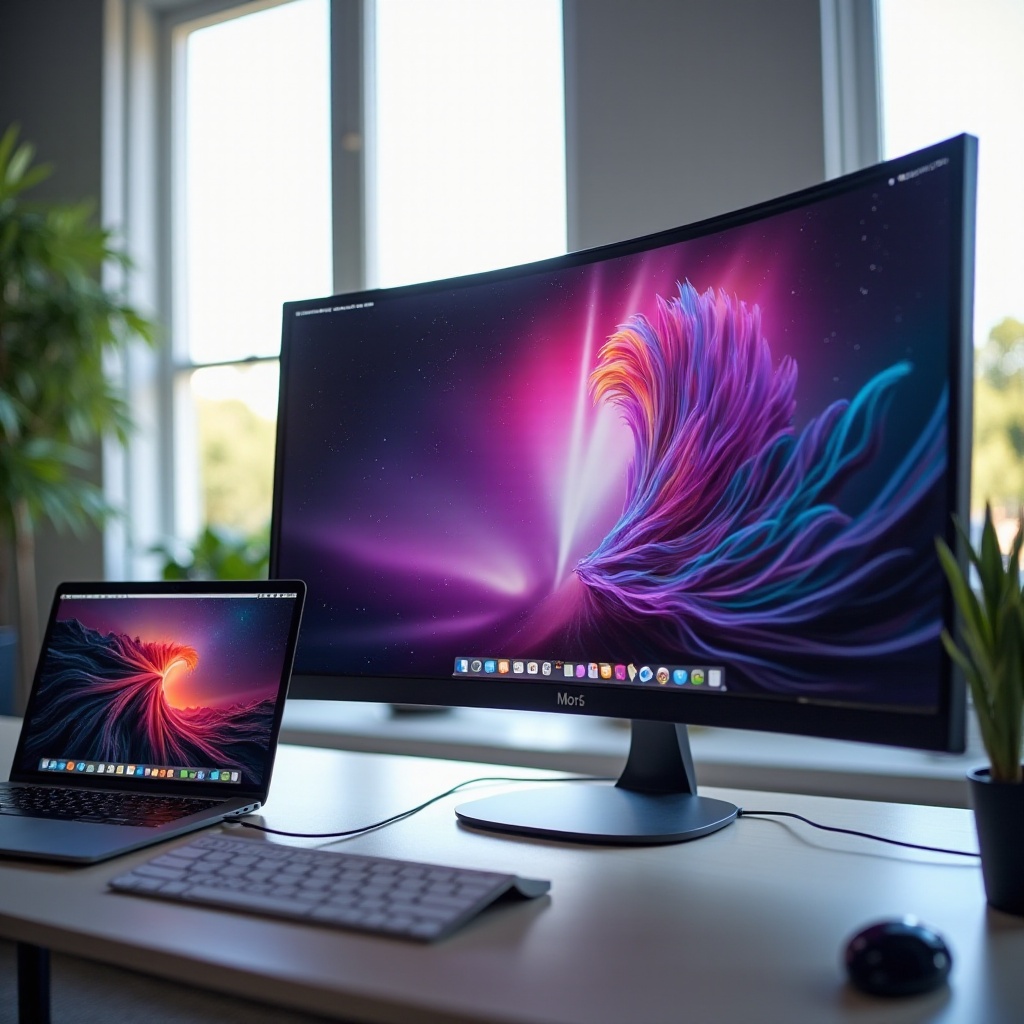
The setup process can greatly impact your experience, so follow these steps for optimal results.
Optimal Desk Arrangement
Arrange your desk so the monitor is at eye level and at an appropriate distance to minimize strain. Utilize a monitor stand for height adjustments, ensuring your workspace accommodates any additional peripherals without feeling cramped.
Calibration Tips for Best Display
Calibrate your monitor to ensure color accuracy and optimal brightness by using built-in settings or third-party tools. Proper calibration is essential for ensuring your work looks consistent and professional across different platforms.
Troubleshooting Common Issues
If you encounter connectivity or display problems, double-check your cable connections and MacBook settings to ensure they support external displays. Refer to the manufacturer’s resources for specific troubleshooting solutions.
Understanding this guide lays a strong foundation for your curved monitor setup, setting you up for success whether for productivity or entertainment.
Conclusion
Selecting the right curved monitor for your MacBook Pro in 2024 can have a profound impact on your digital activities. By considering elements like screen size, resolution, and available ports, you can choose a monitor that enhances your workflow and leisure time.
Frequently Asked Questions
How do I connect my curved monitor to a MacBook Pro?
Use a USB-C or Thunderbolt 3 cable for direct connection. Ensure your display settings on your MacBook are set to recognize multiple displays.
Are curved monitors better for gaming and video editing on MacBook Pro?
Yes, curved monitors offer an immersive experience and reduce eye strain, making them excellent for gaming and video editing.
What is the ideal size for a curved monitor to use with MacBook Pro?
A monitor size between 27 to 35 inches typically works best, providing ample screen space without overwhelming your workspace.