24 Apr 2026
Post by Aurorina
Introduction
The brightness of a laptop screen plays a crucial role in user experience. Clarity is essential for professionals and creatives who require accurate visuals in different environments. Brightness, measured in nits, determines screen visibility in various lighting settings. In 2024, the technological advancement has led to greater demand for high-brightness displays offering users clear views from dim interiors to bright outdoor conditions. This article guides you through the latest and brightest laptop screens available, helping you make the best choice for your needs.
Understanding Screen Brightness
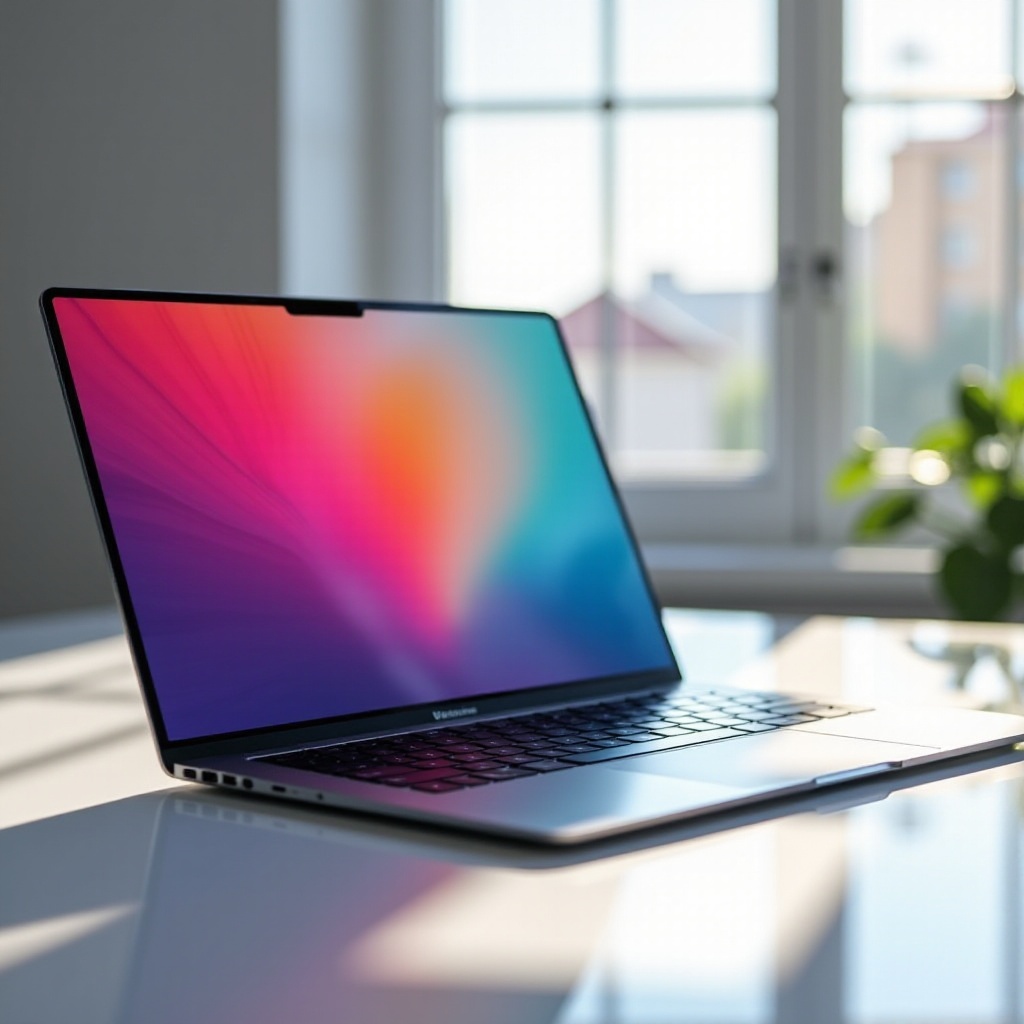
Screen brightness is quantified in nits, with higher numbers offering better visibility. It affects both usability and battery life—the brighter the screen, the more power it consumes, although it provides superior visibility under direct sunlight or well-lit conditions. Balancing brightness level and battery preservation is key; you don’t want eye strain from a dim display or run out of power due to unnecessary brightness. Recognizing the impact of screen brightness allows for smarter purchase decisions, facilitating the need for screens with higher nit levels in top-tier laptops.
Top 5 Brightest Laptops of 2024
The laptops of 2024 are setting new standards in display technology:
Dell XPS 13 Plus
Dell’s XPS 13 Plus presents an impressive borderless display with a brightness of up to 500 nits, making it a compact choice for users needing performance without compromising screen clarity.
Apple MacBook Pro 14-Inch
Known for its exceptional Retina display, the Apple MacBook Pro achieves brightness up to 1,000 nits, ideal for professionals needing precision in color and detail for creative work.
ASUS ROG Zephyrus G14
Tailored for gaming enthusiasts, the ASUS ROG Zephyrus G14 offers brightness reaching 550 nits, ensuring every game detail pops out, even in bright environments.
HP Envy x360
The HP Envy x360 combines power with versatility and a brightness level of 400 nits, suitable for most lighting situations while offering convertible design features.
Lenovo Yoga 9i
The Lenovo Yoga 9i showcases a vivid 4K display reaching 500 nits, perfect for multimedia applications in varied light conditions.
Each of these models offers distinct capabilities tailored to needs ranging from professional use to gaming, ensuring users can select based on individual requirements for display clarity.
How to Choose the Right Brightness Level for Your Needs
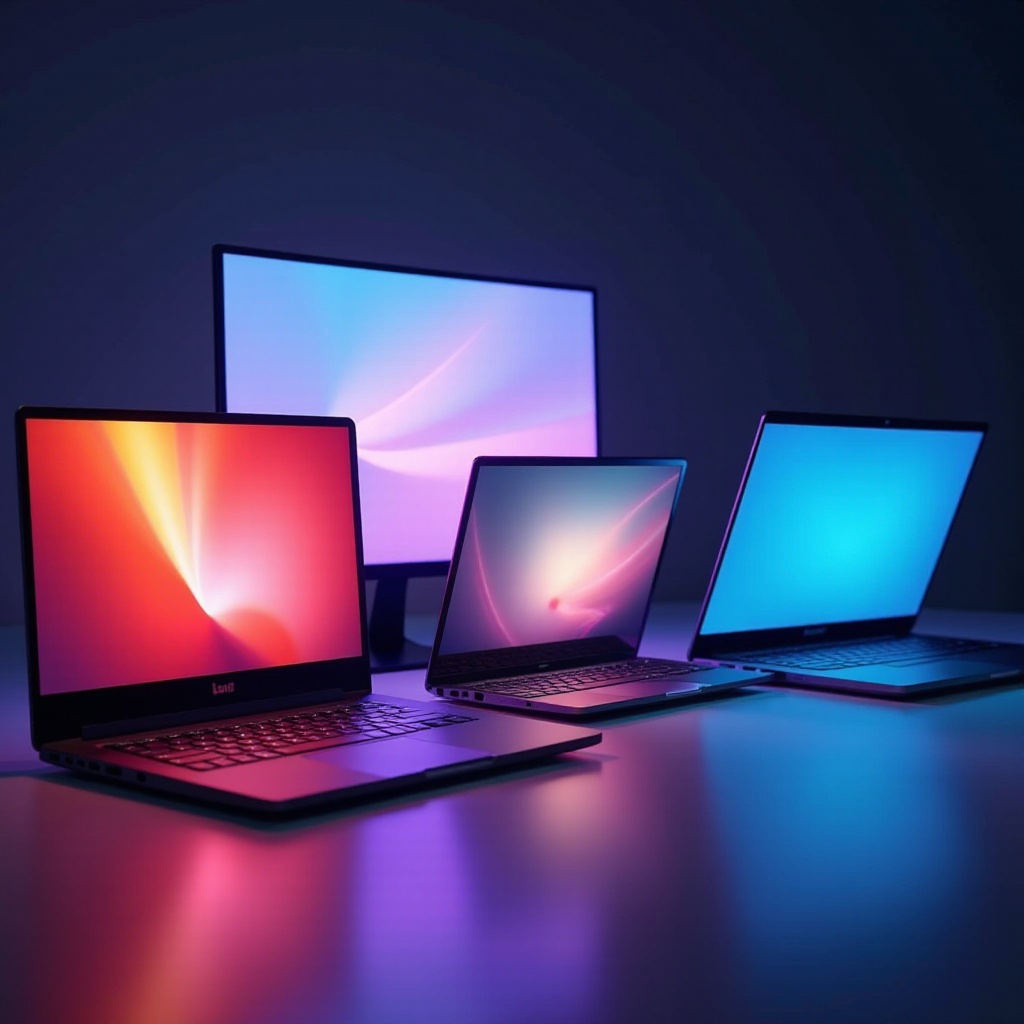
Selecting an appropriate brightness level requires consideration of your environment and usage:
-
Assess your primary usage environment, with outdoor environments requiring at least 500 nits to minimize glare.
-
Battery consumption can be heavily impacted by brightness settings. Ensure your laptop can maintain a charge even when brightness is necessary.
-
Consider your primary applications. Graphic designers may need high brightness for detail precision, while lighter tasks like typing can function at lower settings.
Navigating the balance between maintaining visibility and conserving battery life is essential in choosing a laptop, especially when faced with highly variable conditions.
The Impact of Display Technology on Brightness
Understanding the type of screen technology used also influences brightness and thereby, choice. LED screens are known for providing solid brightness and are widely used, but may not offer as deep contrast as OLEDs. On the other hand, OLED screens deliver stunning color reproduction and deep blacks but often operate at lower brightness levels compared to LED. OLEDs are more power-efficient at lower brightness settings but can drain batteries when used at peak brightness. Understand these technologies help in deciding if color vibrancy or sheer brightness meets your priorities in a new laptop.
Conclusion
Choosing a laptop for its brightness capability is a wise decision for those exposed to varied lighting conditions. The top contenders in 2024 offer unparalleled brightness performance and cater to diverse user needs, from multimedia consumption to demanding professional tasks. Assessing the importance of screen brightness in correlation to battery life and understanding the technology behind it allows users to make informed decisions ensuring an optimal experience with their device.
Frequently Asked Questions
What is the ideal brightness level for outdoor use?
For outdoor use, a minimum of 500 nits is recommended to ensure visibility even under direct sunlight, reducing glare and ensuring usability.
How does screen brightness impact eye strain?
High brightness reduces strain in bright settings by enhancing screen readability but can cause discomfort if excessively bright in dim environments.
Can a high-brightness screen affect battery life?
Indeed, higher brightness settings will consume more power, potentially reducing battery life, so balance is needed especially when operating unplugged.