30 Dec 2025
Post by Aurorina
Introduction
Experiencing slow charging can be a common frustration for Motorola phone users, especially when the need to stay connected is crucial. Grasping the underlying factors that contribute to slow charging is essential for effective troubleshooting and optimizing your phone’s performance. Whether you’re dealing with hardware or software challenges, identifying the root cause is vital to find the right fix. This guide aims to equip you with the necessary knowledge and solutions to restore your phone’s charging speed effectively.
Understanding Motorola Phone Charging Basics
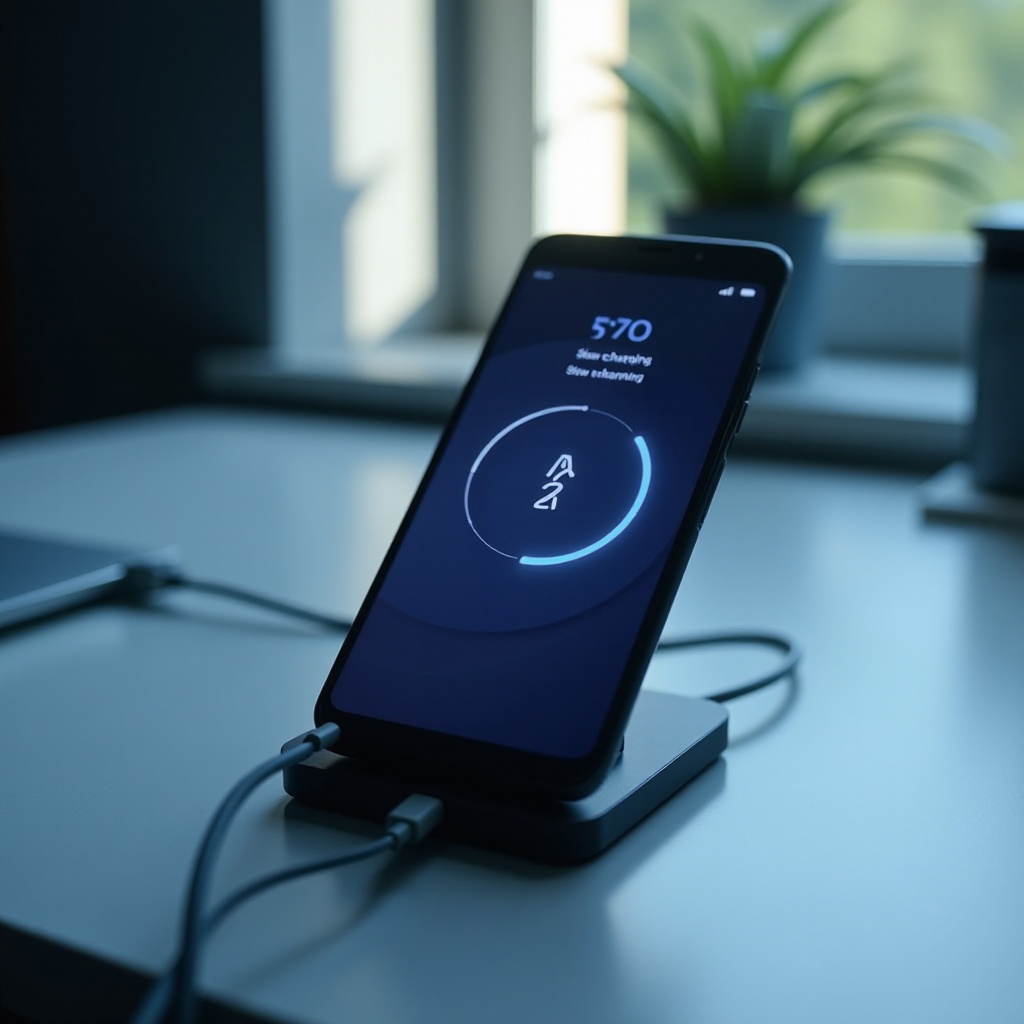
Before implementing any solutions, it’s vital to comprehend the basics of how your Motorola phone charges. Typically, charging involves transferring power through a cable and adapter to your phone’s battery. Each component, from the cable to the software managing the process, plays a part in the overall speed and efficiency. Familiarizing yourself with how these elements interact will be beneficial as you tackle potential issues.

Common Causes of Slow Charging in Motorola Phones
Understanding the causes behind slow charging will help you in selecting targeted remedies. Several factors might contribute to this issue:
-
Faulty or Incompatible Charging Accessories: Utilizing damaged or incompatible charging equipment may drastically reduce charging efficiency. It’s important to use accessories that are both in good condition and suited to your specific device model.
-
Software Issues and System Glitches: Outdated software or system glitches can hinder your phone’s performance, including its ability to charge quickly. Ensuring that your software is current and clearing unnecessary cache can alleviate these issues.
-
Battery Health and Aging: As your phone’s battery ages, its capacity diminishes, resulting in slower charging times and reduced longevity. Regularly checking battery health will help determine if a replacement might be necessary.
Understanding these typical causes allows you to tackle the problems with precision and ensures that solutions implemented are appropriate to your situation.
How to Diagnose Charging Speed Issues
Identifying the cause of your phone’s slow charging is pivotal. Initiate a diagnostic process to uncover underlying issues:
-
Initial Checks for Hardware Problems: Examine your charging cable and adapter for any visible defects or damage. Try alternative chargers and cables to reveal whether the problem is rooted in your accessories. Additionally, confirm that the charging port is clean and unobstructed.
-
Using Built-in Diagnostic Tools: Motorola phones often include diagnostic utilities that offer insights into current battery health and charging specifics. These diagnostic tools can highlight if there are any dysfunctional components within your device, aiding in a faster troubleshooting process.
Proper diagnosis ensures that you focus on accurate solutions, not wasting effort on methods that might not solve the problem.
Solutions to Improve Charging Speed
Once potential causes are identified, there are several practical measures to enhance your phone’s charging speed:
-
Replace and Use Compatible Charging Equipment: Ensure you’re using high-quality, compatible accessories that are recommended by Motorola. These should be capable of supplying the necessary power output for efficient charging.
-
Update Software and Optimize Settings: Regularly updating your phone’s software maintains optimum performance. Navigate to the settings menu to check for updates. Additionally, fine-tune settings by minimizing background processes and deactivating unnecessary features while charging.
-
Clean Charging Ports and Optimize Battery Usage: Routinely inspect and purge the charging port of debris which may cause connectivity issues. Also, streamline battery usage by shutting down unused apps and features to optimize the charging process.
These solutions are designed to not only repair current issues but also prevent potential future problems from arising.
Advanced Tips for Persistent Charging Issues
If your device continues to experience charging issues, consider these advanced strategies:
-
Battery Recalibration Techniques: Recalibrating the battery can help in re-establishing its capacity and charging effectiveness. Completely charge your phone, allow it to discharge to 0%, and then recharge fully without interruptions to recalibrate the battery sensor.
-
When to Seek Professional Assistance: Should problems persist despite all efforts, consulting a professional or authorized technician may be necessary. They can conduct detailed examinations and solve hardware-related issues effectively, often beyond what a user can do at home.
These advanced tips are key when common solutions fail, ensuring that your device regains optimal charging capabilities.
Conclusion
Maintaining efficient charging is essential for a seamless Motorola phone experience. By understanding the charging mechanism, correctly diagnosing issues, and employing the suggested solutions, you can ensure faster charging and extend your phone’s battery life. Professional help might be required for hardware issues, yet maintaining a proactive stance in managing your phone can prevent many problems before they become critical.
Frequently Asked Questions
Can using a different charger affect charging speed?
Yes, using an incompatible or faulty charger can significantly affect charging speed. Always use the charger recommended by the manufacturer for optimal performance.
How often should I update my Motorola phone’s software?
Regularly check for software updates and install them as soon as they become available. These updates often contain fixes for bugs that can affect charging speed.
What environmental factors can impact my phone’s charging?
Extreme temperatures, both hot and cold, can affect battery performance and charging speed. Always charge your phone in a moderate environment to ensure optimal efficiency.