10 Dec 2025
Post by Aurorina
Introduction
Monitoring mobile data usage on your iPhone is vital for managing connectivity and avoiding unexpected charges. This comprehensive guide provides a step-by-step approach to tracking mobile data usage effectively. Utilizing iPhone’s built-in features and third-party apps will empower users to make informed choices about their data consumption habits.
Understanding Mobile Data Usage on iPhone
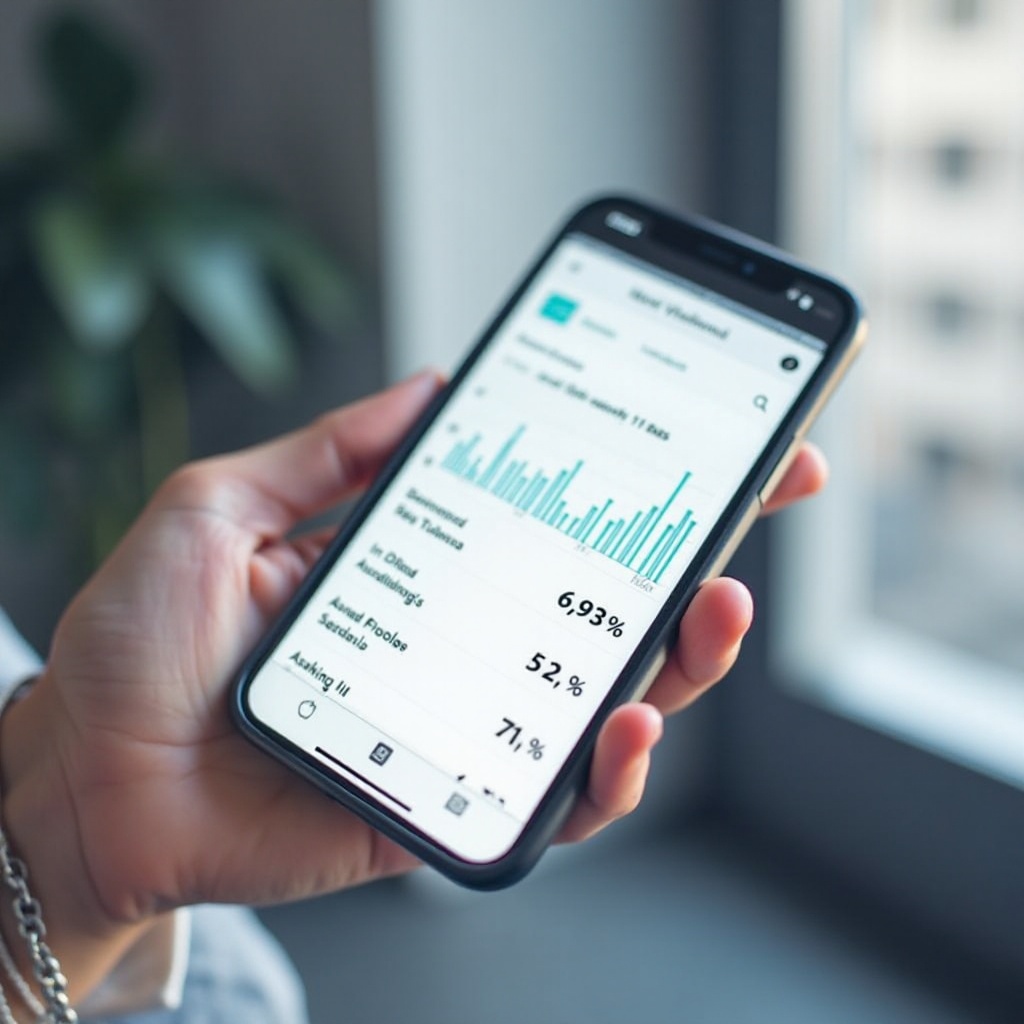
Tracking your iPhone’s mobile data starts with understanding how different types of internet connections function. While Wi-Fi uses fixed networks, mobile data relies on cellular networks to provide internet access on the go.
-
Differences Between Wi-Fi and Mobile Data: While both connect you to the internet, mobile data usage might incur additional costs based on your cellular plan.
-
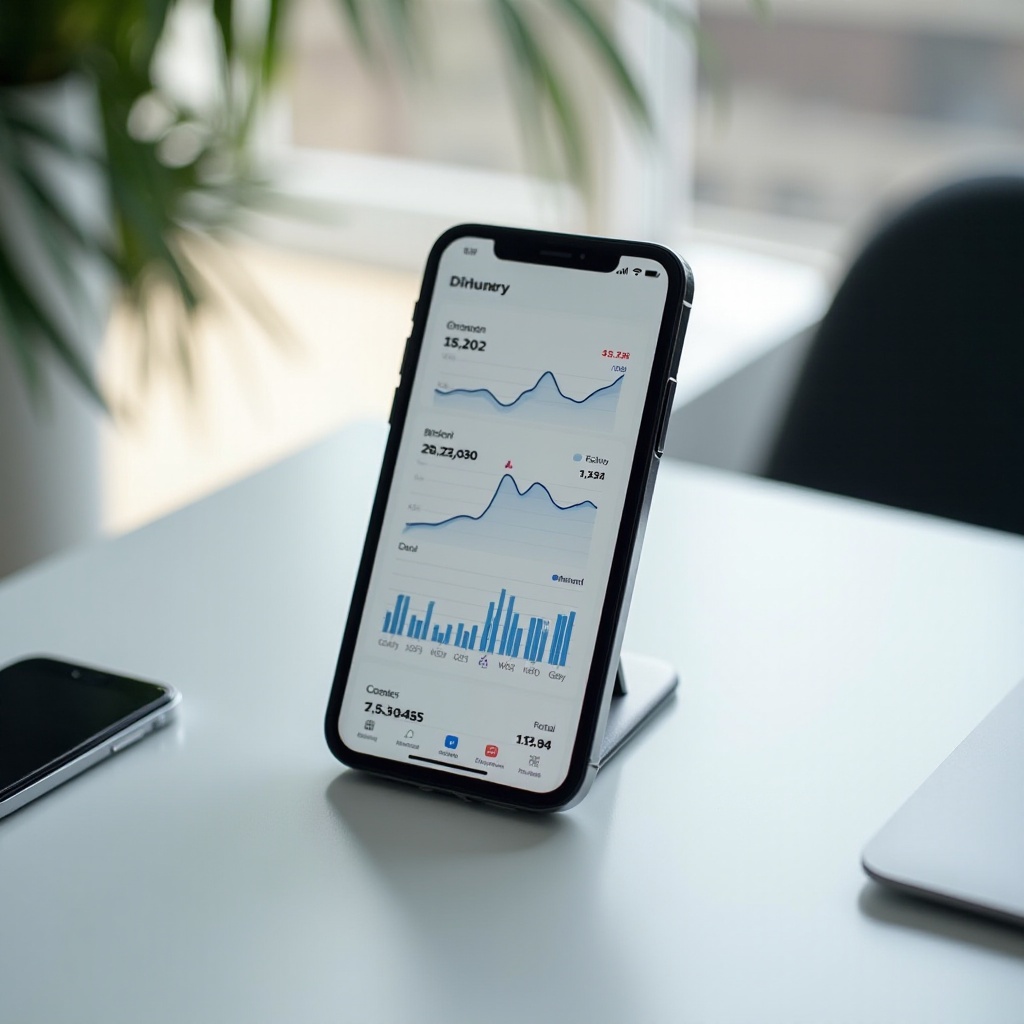
How iPhone Measures Data Usage: The iPhone’s built-in data usage tracker, found under the ‘Cellular’ section in settings, helps keep track of overall consumption and data usage by each app.
With this foundational understanding, let’s explore how iPhone users can utilize these native tools to monitor their data use.
Utilizing Built-In iPhone Features to Track Data
The iPhone provides built-in features for tracking data consumption, offering an easy entry point for managing data usage without extra downloads.
-
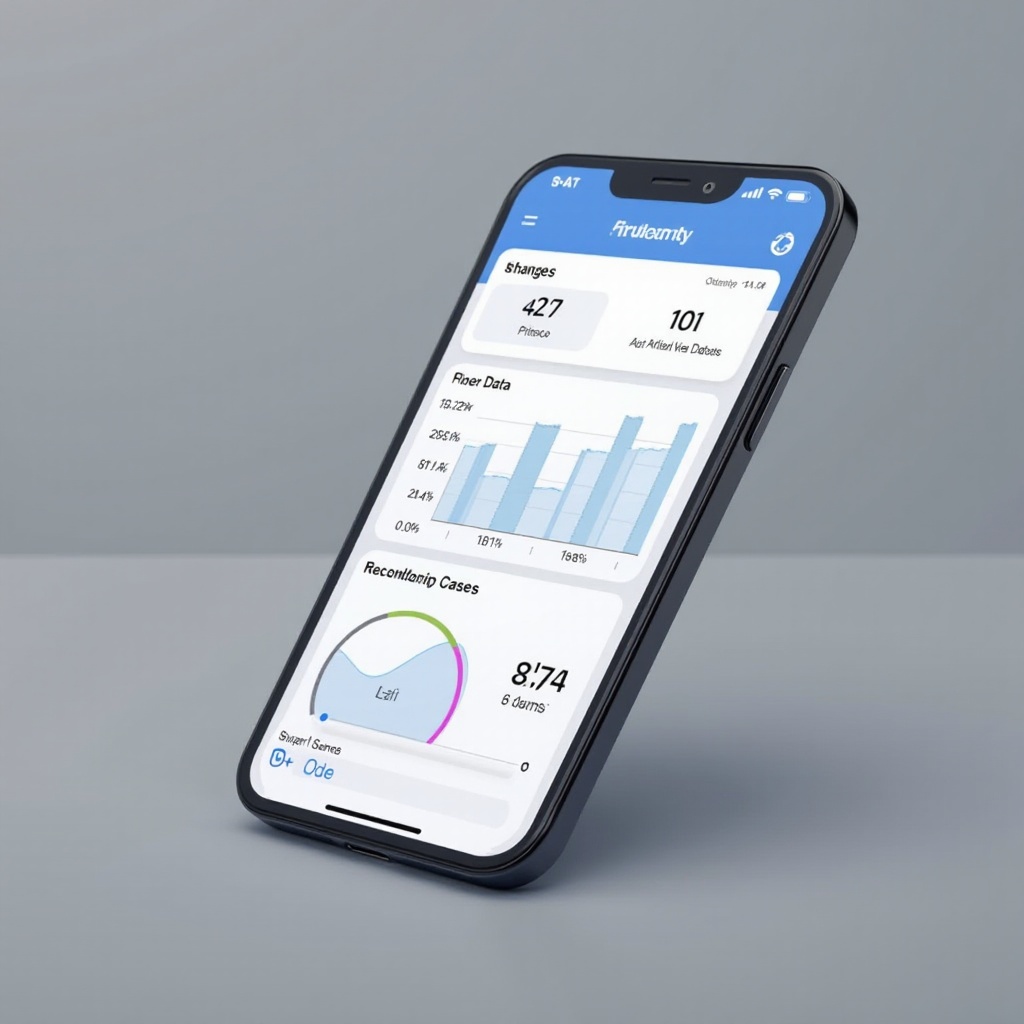
Navigating to the iPhone ‘Cellular’ Settings: Simply go to ‘Settings’, then tap ‘Cellular’ to view your data usage details.
-
Interpreting the ‘Data Usage’ Section: Here, you’ll find a breakdown of total data usage within a billing period, along with individual app data consumption.
-
Benefits of Resetting Data Statistics Regularly: Reset statistics at the end of each billing cycle to maintain accuracy and awareness of your data usage trends.
These internal features offer basic tracking capabilities, but for those seeking more detailed insights, additional apps are available.
Advanced Tracking with Third-Party Apps
Third-party apps can provide more detailed analysis of your mobile data usage. Utilizing these apps can make tracking more intuitive and provide enhanced functionalities.
-
Top Recommended Third-Party Apps: Apps like My Data Manager and Data Usage Pro offer comprehensive data tracking features and predictions about future data consumption.
-
Advantages of Using Third-Party Solutions: These apps alert you about approaching limits or unusual spikes in usage, ensuring you avoid costly overages.
-
Integration and Notifications for Better Monitoring: These apps integrate seamlessly with iPhone notifications to keep you updated on data usage milestones.
After exploring these apps, it’s important to adopt strategies to manage and reduce data consumption effectively.
Tips to Manage and Reduce Mobile Data Usage
Managing data involves adopting straightforward tactics that extend the longevity of your data plan.
-
Smart Use of Wi-Fi Assist: While Wi-Fi Assist ensures a smooth internet experience, it can lead to additional data use if left on. Consider turning it off under ‘Settings’ -> ‘Cellular’.
-
Limiting Background App Refresh: Conserve data by turning off Background App Refresh for non-essential apps in ‘Settings’ -> ‘General’ -> ‘Background App Refresh’.
-
Adjusting Streaming Quality and Download Settings: Lower the quality of streaming content or download content over Wi-Fi to save mobile data.
These tactics help reduce data usage, complementing what can be achieved with carrier-specific tools.
Exploring Carrier-Specific Data Management Tools
In addition to iPhone’s and third-party solutions, carriers offer specific tools that enhance data monitoring using real-time insights.
-
Understanding Carrier Data Tracking Options: Many carriers provide their own apps or online services where you can track data usage and set alerts for limits.
-
Utilizing Carrier Alerts for Data Usage: Carrier alerts are invaluable for real-time data tracking, helping prevent unexpected overages with timely notifications.
These carrier tools, combined with iPhone enhancements, offer comprehensive data management strategies. Additionally, staying updated on the latest iOS features can further enhance data management.
Monitoring Updates: Impact of iOS 2024 on Data Usage
With every iOS update comes potential changes to how data is managed and monitored, providing users with more potential benefits.
-
New iOS Features for Data Management: The 2024 update brings enhanced setting options and new capabilities for data monitoring, giving users finer control over consumption.
-
Keeping Up with iOS Updates and Their Effects: Regularly check Apple’s release notes to adapt your usage strategies in line with new updates, ensuring you leverage the full potential of your iPhone.
By integrating these tools and strategies, keeping track of your data becomes a manageable task that can prevent overuse and reduce extra costs.
Conclusion
Monitoring mobile data usage on your iPhone is crucial for optimizing connectivity and preventing unexpected expenses. With built-in tools, advanced tracking apps, effective management strategies, and an awareness of iOS updates, you can have full control over your data consumption, ensuring an uninterrupted internet experience.
Frequently Asked Questions
How often should I reset my mobile data usage statistics?
Regular resets at each billing cycle provide a clear view of your usage relative to your data plan.
Can third-party apps access my personal data?
Reputable apps like My Data Manager respect privacy standards but always review permissions.
What do I do if my mobile data is being consumed too quickly?
Check for data-heavy apps, adjust streaming settings, and disable unnecessary background processes.