18 Feb 2026
Post by Aurorina
Introduction
Streaming high-resolution music to your powered speakers can truly enhance your auditory experience. Deezer and Qobuz stand out among music streaming platforms for high-quality audio streaming. If you’re keen on maximizing your speakers’ capabilities, knowing how to effectively use these services is key. This guide will take you through each step, ensuring you get the most from both Deezer and Qobuz.
Understanding Deezer and Qobuz
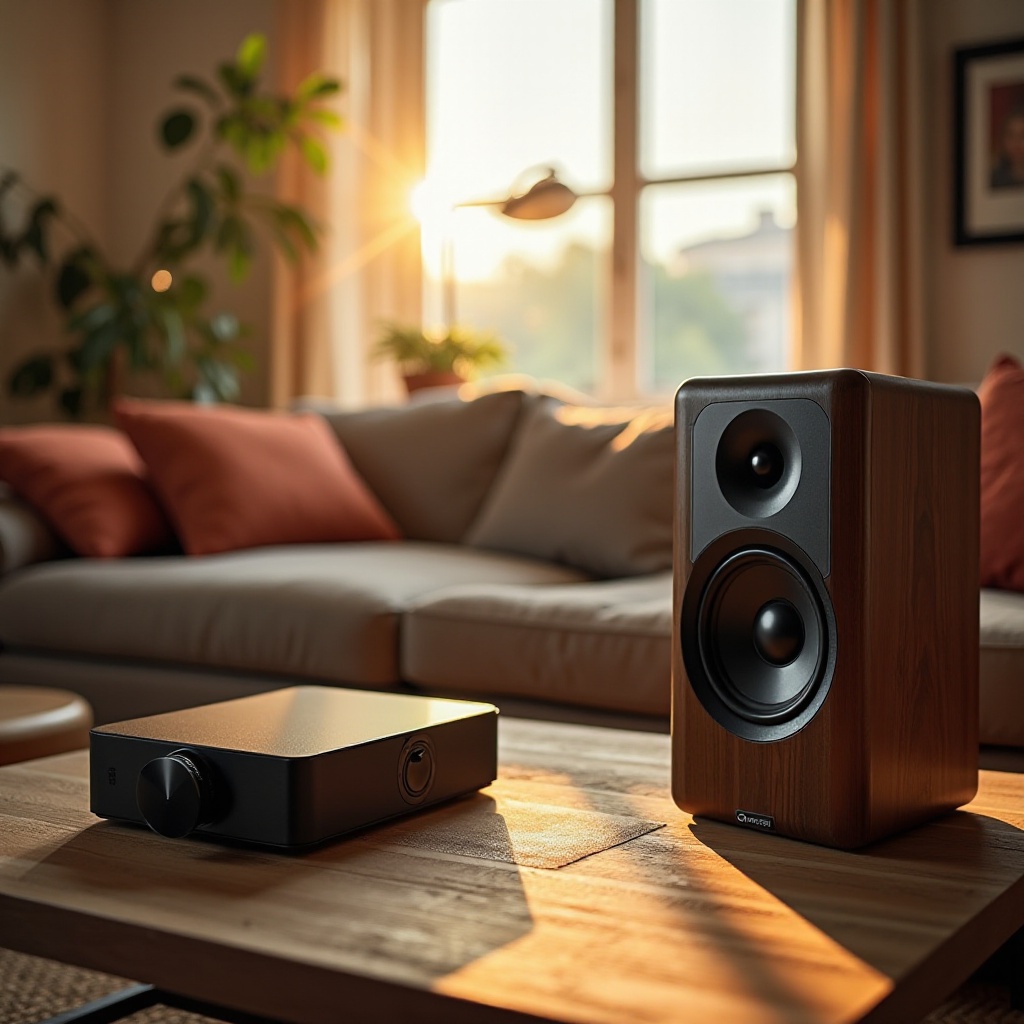
Both Deezer and Qobuz offer unique features catering to music enthusiasts. Understanding these can help you decide which service best suits your preferences.
Overview of Deezer Features
Deezer boasts a massive music library with an emphasis on user-friendly navigation and discovery through its Flow feature, which creates personalized radio stations based on your listening habits. For those who value audio fidelity, Deezer HiFi offers CD-quality streaming.
Overview of Qobuz Features
Qobuz is renowned for its high-resolution audio options, offering an extensive catalog of FLAC 24-bit files. Its rich editorial content provides detailed album reviews and artist insights, enhancing the music exploration experience. With this knowledge, focus on selecting the best powered speakers to complete your setup.
Choosing the Right Powered Speakers
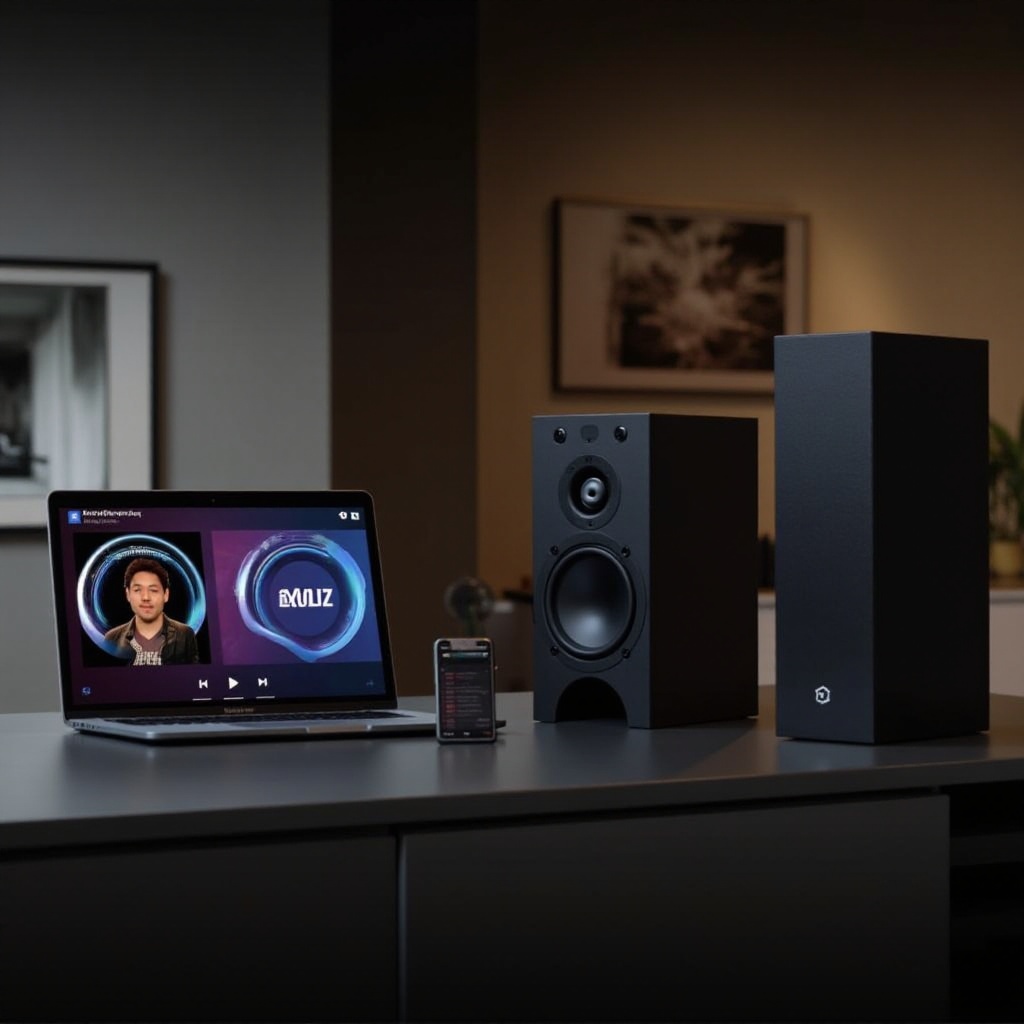
Selecting the right powered speakers is crucial for an optimal streaming experience. Consider these factors:
Key Features to Consider
Look for speakers that include built-in amplifiers and support Bluetooth or Wi-Fi for seamless connectivity. Evaluate sound quality, frequency response, and power output. If portability is important, consider lightweight models.
Popular Models for Streaming
Top choices include the KEF LS50 Wireless II, known for precision, and the Audioengine A5+ Wireless, offering excellent audio performance and Bluetooth connectivity. These models guarantee that the sound quality matches the high-fidelity music from Deezer and Qobuz. Once you’ve chosen your speakers, setting up your streaming environment is the next step.
Setting Up Your Streaming Environment
A well-designed setup can ensure optimal performance from Deezer and Qobuz.
Necessary Equipment
You’ll need a reliable internet connection and a device such as a smartphone, tablet, or computer to install your streaming apps. Using a digital-to-analog converter (DAC) can further enhance sound quality.
Software and Apps Installation
Install the Deezer and Qobuz apps on your device. Log in or create an account, and set your audio quality preference. Opt for HiFi or FLAC settings for premium sound fidelity. This setup forms the foundation for an outstanding audio experience.
Connecting Deezer to Powered Speakers
Connecting Deezer to your speakers can be straightforward with the right approach.
Bluetooth Connection Method
- Place your powered speakers in Bluetooth pairing mode.
- Open the Bluetooth settings on your device and select your speaker model.
- Confirm the connection and begin streaming from the Deezer app.
Wi-Fi Connection Method
For Wi-Fi, ensure your speakers are connected to the network.
- Connect your speakers to the same Wi-Fi network.
- Open Deezer, click the cast icon, and select your speakers.
- Enjoy stable and high-quality audio streaming.
Wired Connection Method
If you prefer a wired setup, use an auxiliary cable or USB. Connect one end to your device and the other to the speakers. Next, we’ll focus on enhancing your experience with Qobuz.
Streaming Qobuz with High-Resolution Audio
Maximizing Qobuz’s high-resolution audio requires a few adjustments.
Configuring Your Device for High-Res Audio
Ensure your streaming device supports high-resolution audio. If needed, update drivers or firmware, especially for DACs or audio interfaces handling high-res files.
Adjusting Speaker Settings for Optimal Sound
Fine-tune your speaker settings. Increase volume gradually, keeping the balance to avoid distortion. For optimal acoustics, reposition speakers in rooms with multiple furniture pieces.
With your devices configured for high-quality audio, let’s explore methods to maximize sound quality further.
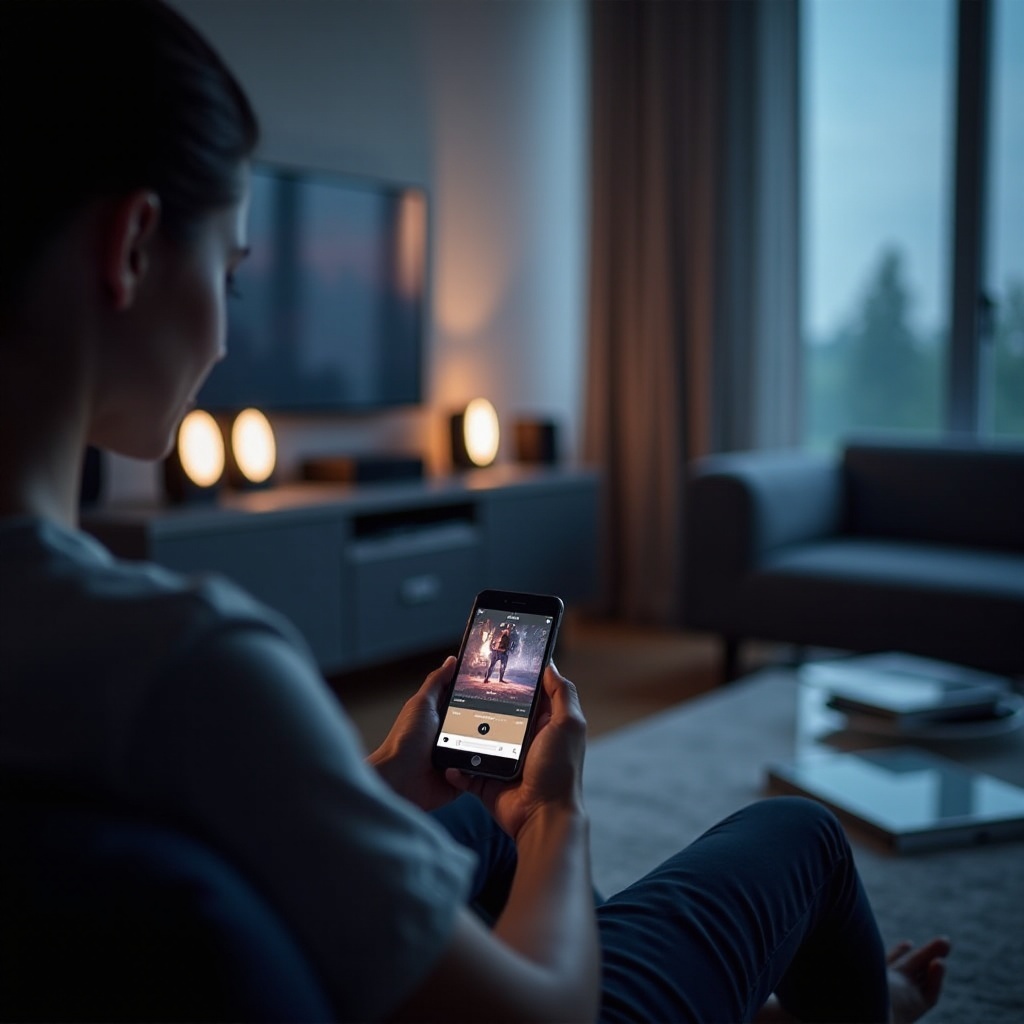
Tips to Maximize Audio Quality
Optimizing audio quality involves adjusting settings both in apps and your physical space.
Adjusting Audio Settings in Apps
Explore presets and equalizer settings in Deezer and Qobuz to tailor your audio preferences. Custom settings can significantly enhance your listening experience.
Speaker Placement and Acoustic Considerations
Placement is key to sound clarity. Position speakers at ear level and spaced apart. Avoid placing them in corners where sound reflections can muddy the audio. Consider using rugs or curtains to minimize echo and improve acoustics.
While audio optimization enhances the experience, you might encounter issues while streaming. Let’s look at solutions for common problems.
Troubleshooting Common Issues
Addressing common issues efficiently can save time and frustration.
Connectivity Problems
If playback stops unexpectedly, check network issues or Bluetooth connectivity. Restart your modem, device, or speakers if needed.
Audio Playback Issues
For distortion or low volume, ensure no cable faults and that speaker settings are correctly configured. Check app settings for audio output configurations.
Finally, let’s wrap up everything we’ve discussed.
Conclusion
Successfully setting up and streaming high-quality music from Deezer and Qobuz to powered speakers involves understanding their features, speaker compatibility, and optimal environment setup. By following this guide, you’ll enjoy superior sound and seamless streaming every time.
Frequently Asked Questions
How do I maintain the quality of my streaming service?
Regularly update your streaming apps and devices, and monitor your network speed to ensure optimal streaming.
Can I use voice assistants for streaming Deezer and Qobuz?
Yes, many smart speakers support Deezer and Qobuz integration with voice assistants like Amazon Alexa and Google Assistant.
What should I do if there is a delay in sound playback?
Check for wireless interference, enhance your network speed, or use a wired connection to eliminate delays.