9 Jan 2026
Post by Aurorina
Introduction
Samsung remotes are designed to make controlling your TV convenient and simple. However, when they refuse to pair with the television, it can lead to frustration. Fortunately, understanding the potential causes behind this issue and knowing how to troubleshoot effectively can save you time and stress. Let’s explore some common pairing issues and their solutions.
Understanding Samsung Remote Pairing
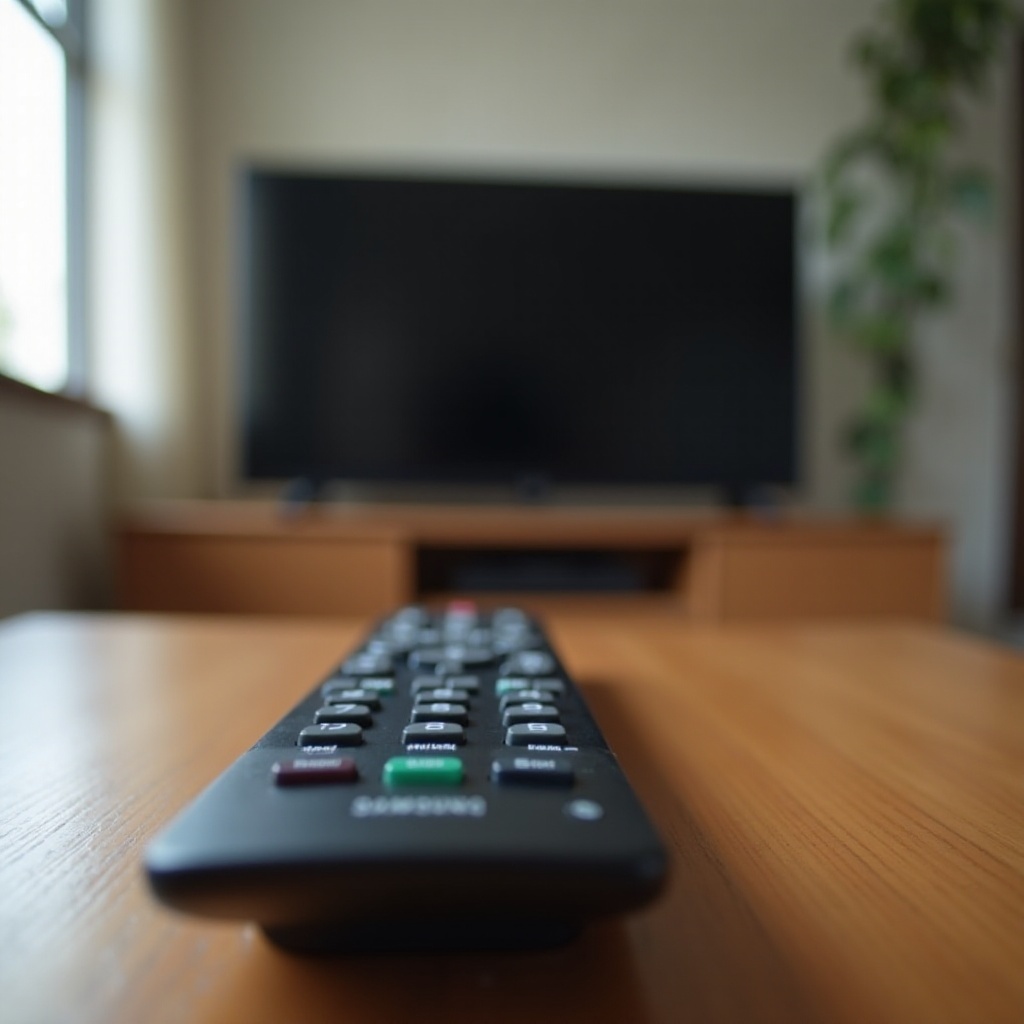
Before diving into troubleshooting, it’s important to understand how remote pairing works. Samsung TVs typically use either infrared signals or Bluetooth technology to connect with remotes. If a Samsung remote won’t pair, potential causes might include signal interference, outdated software, or even user errors. Recognizing these causes equips you with the knowledge needed to tackle the problem effectively.
When familiar with basic remote pairing concepts, you can apply this understanding to troubleshooting for a smoother resolution.
Basic Troubleshooting Steps
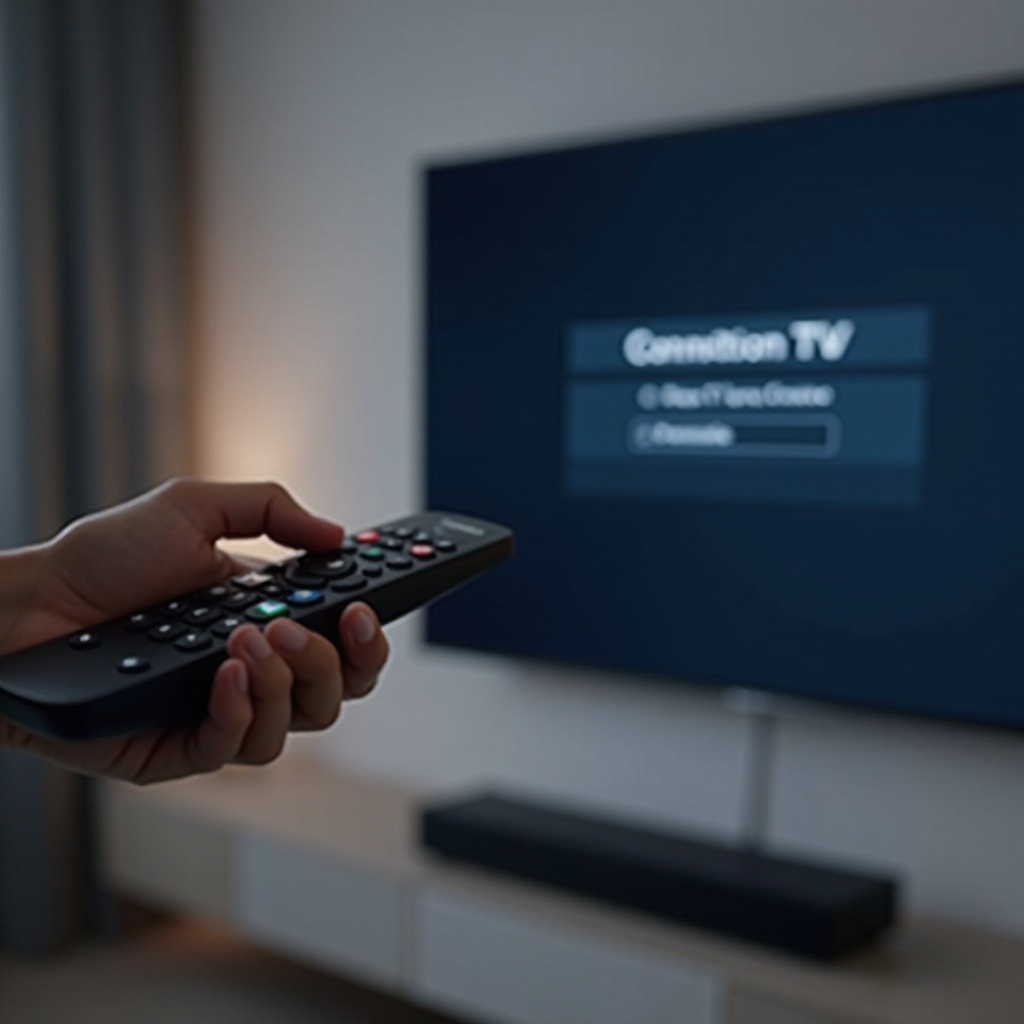
Resolving Samsung remote pairing issues often begins with some basic checks:
- Check the Batteries
-
Replace old batteries with fresh ones and ensure correct insertion. Weak or dead batteries are commonly responsible for remote control malfunctions.
-
Reset the Remote
-
To reset, remove the batteries, press the power button for about 10 seconds, then replace the batteries and attempt pairing again. This can clear minor glitches.
-
Inspect the Line of Sight
- Ensure there are no obstructions between your remote and TV. Physical barriers may interfere with infrared signals.
If these initial steps don’t resolve the issue, it might be necessary to explore more advanced troubleshooting strategies.
Advanced Troubleshooting Techniques
If issues remain unresolved after basic troubleshooting, consider these advanced techniques:
- Manually Re-Pair the Remote
-
Follow the specific instructions for your Samsung remote model to manually re-pair it. This typically involves pressing and holding certain buttons to activate pairing mode.
-
Firmware Updates for Your TV
-
Ensure your TV is running the latest software version by checking for updates in the settings menu. Outdated firmware can cause pairing issues.
-
Samsung Support and Service Options
- If all else fails, seeking professional help may be necessary. Samsung support offers resources and advice, or you can schedule a service request.
Addressing these advanced issues comprehensively results in more effective problem-solving.
Alternative Solutions
Sometimes alternative troubleshooting can yield surprising results:
- Use of Samsung Remote Apps
-
Samsung offers remote control apps that turn your smartphone into a remote. These apps may provide a temporary fix while resolving issues with the physical remote.
-
Checking for Interference
- Ensure that other electronics, like wireless routers or other remotes, aren’t disrupting the signal pathway.
Exploring these alternatives could become essential, especially when physical remote conditions are questioned.
Additional Tips for Samsung Users
Reducing the frequency of future remote control issues starts with regular maintenance:
- Frequently update your TV and remote firmware.
- Clean the remote regularly to prevent grime build-up.
- Store the remote safely to prevent physical damage.
Knowing how to maintain your devices ensures their longevity and reduces potential issues over time.
Conclusion
By using these troubleshooting steps, most Samsung remote issues should be resolved, enhancing your TV experience significantly. Each method discussed offers different solutions, tailored to various user needs.
Frequently Asked Questions
Why won’t my Samsung remote control turn my TV on or off?
This could be due to battery issues or the need to manually re-pair the remote with the TV.
How can I tell if my Samsung remote is faulty?
If pairing attempts consistently fail and batteries are fresh, the remote may be defective.
Can a universal remote fix Samsung pairing issues?
Yes, a universal remote can serve as a temporary solution if properly configured to support Samsung TVs.