4 Jan 2026
Post by Aurorina
Introduction
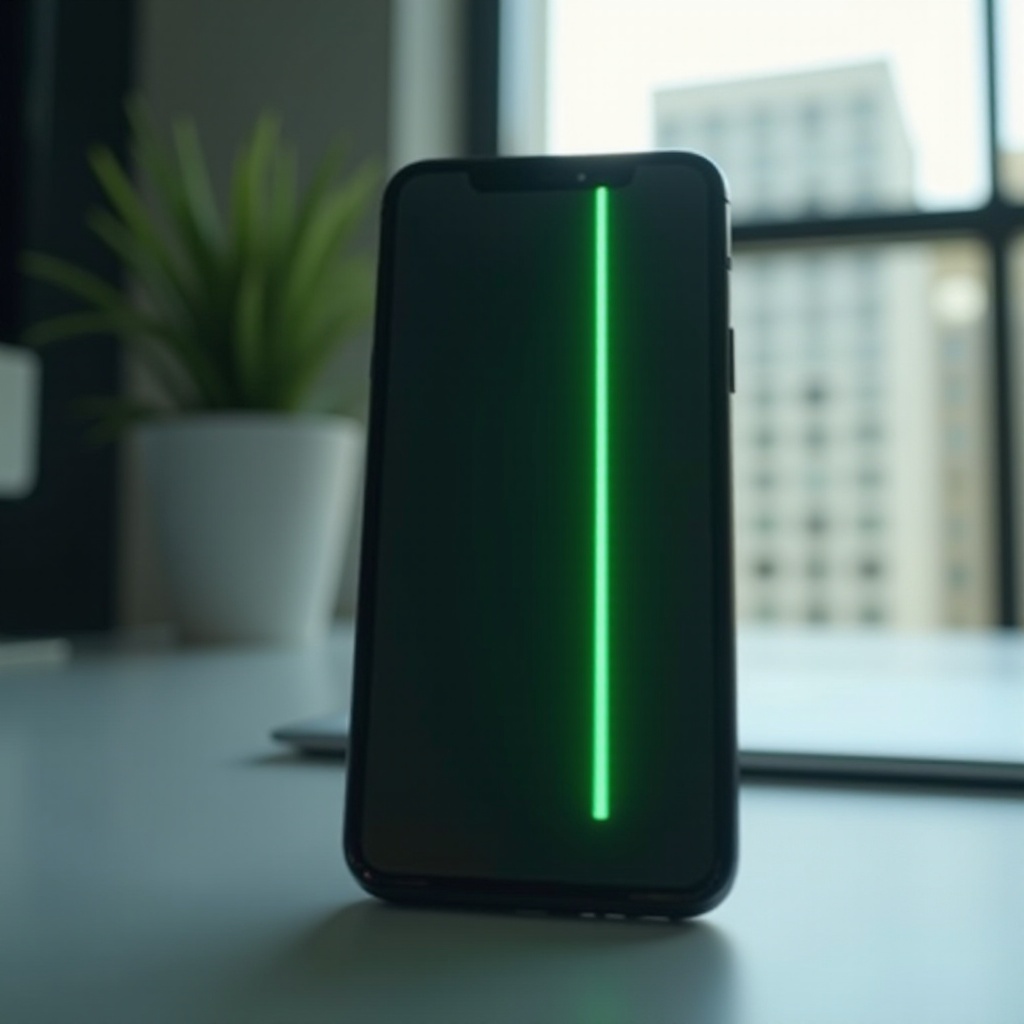
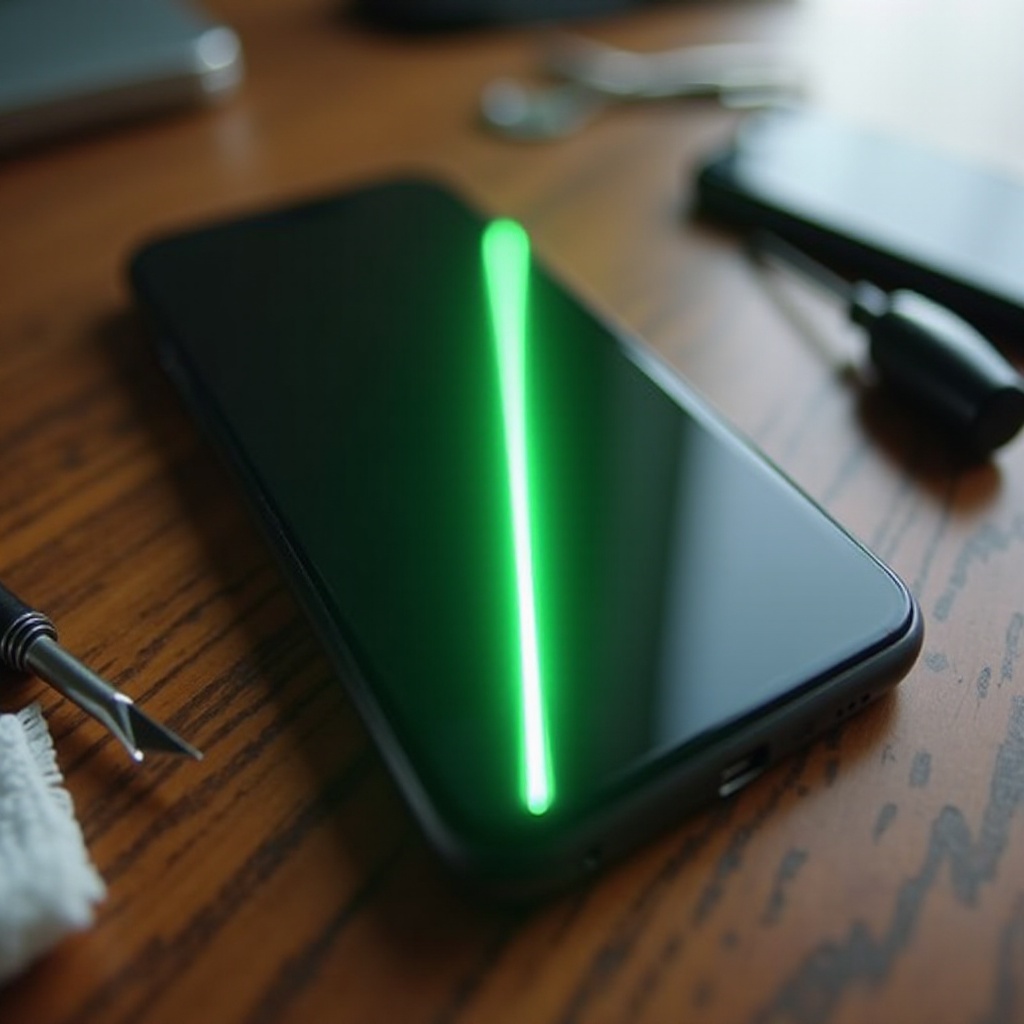
Experiencing a green line on your phone screen is a common issue that can disrupt your daily activities. Smartphones have become integral to our lives, and screen issues can impact their functionality. This article delves into the root causes, potential DIY fixes, and preventive tips to manage this problem effectively.
What Causes the Green Line on Phone Screens?
Understanding the origin of the green line issue can guide you toward effective solutions. The causes can be manifold, ranging from hardware faults to software anomalies.
-
Common Hardware Issues: Phone screens are delicate and susceptible to damage. One prevalent cause is internal component malfunctions, such as loose connections or faulty display circuits, which often manifest as lines.
-
Software Glitches and Updates: Sometimes, the culprit is not the hardware but the software. An OS bug or a problematic app update can disrupt your display settings, creating anomalies like green lines.
-
Physical Damage: Most often, physical impacts like drops cause screen issues. Over time, even without direct impact, wear can lead to display problems.
Identifying whether your issue is hardware or software-driven will point you to the right fix.
Diagnosing the Green Line Issue
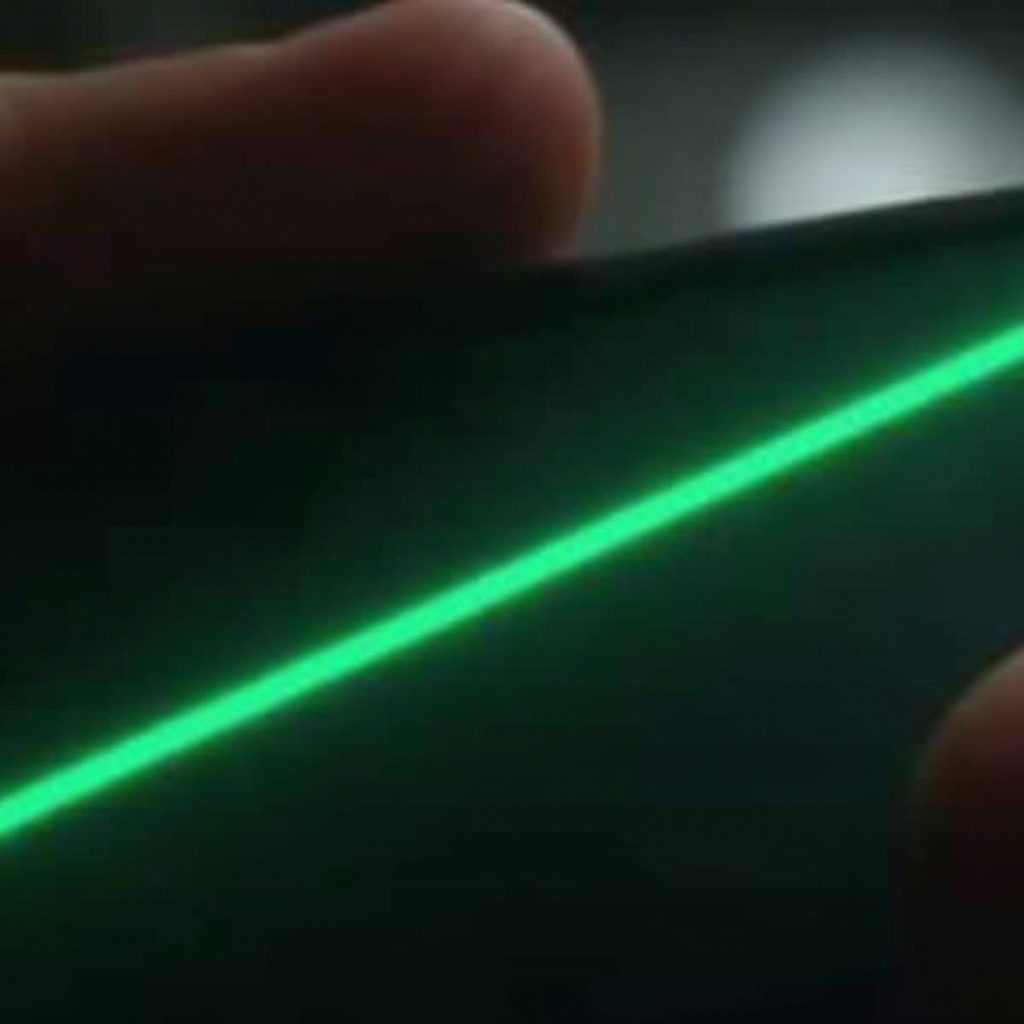
Diagnosis is key to resolving display problems accurately. Knowing the difference between a software error and a hardware issue determines your approach.
-
Differentiating Between Software and Hardware Problems: Begin by restarting your device. If the line disappears, the issue might be a minor software glitch. Persisting lines generally suggest hardware defects.
-
Utilizing Diagnostic Tools: Use diagnostic applications or built-in testing features to assess your phone’s display functionality. These tools help pinpoint the problem’s nature, aiding in more effective troubleshooting.
With a clear diagnosis, you can decide whether to try a fix yourself or seek further assistance.
DIY Fixes You Can Try at Home
DIY fixes are worth attempting and can often resolve minor issues swiftly. Here are some steps to consider:
-
Restart and Soft Reset: Begin by powering off your device and turning it back on. This simple reset can resolve temporary glitches affecting the display.
-
Update Software and Applications: Ensure all your phone’s software, including the operating system and individual apps, is current. Developers frequently deploy updates to fix bugs, including those leading to display errors.
-
Adjust Display Settings: Check your display settings. Reset them to default to rule out any custom configurations causing the line.
Should these measures not solve the problem, professional intervention might be necessary.
When to Seek Professional Repair
Knowing when a problem is beyond DIY resolution can save your device from extended damage. Professional repair offers reliable solutions for persistent issues.
-
Signs That Require Expert Attention: If efforts to fix the problem at home fail, or if other issues accompany the green line, seek a professional repair service. This is especially true if hardware damage is suspected.
-
Evaluating Repair Costs vs. Phone Replacement: Weigh the repair cost against purchasing a new phone. In some cases, especially with older models, replacement might be more cost-effective.
Professional repairs ensure your phone gets the appropriate care and can significantly extend its lifespan.
Preventing Future Screen Issues
Preventive steps can greatly reduce the likelihood of encountering screen problems. Here are practical tips to maintain your device’s health:
-
Using Screen Protectors and Quality Cases: Invest in protective gear for your phone. High-quality cases and screen protectors lessen the impact of drops and scratches.
-
Proper Handling and Care Tips: Avoid extreme conditions that could affect your phone’s hardware. Handle your phone with care, avoid exposure to harsh elements, and clean it regularly to prevent dust buildup.
By being proactive, you secure your phone against future screen anomalies and preserve its functionality.
Conclusion
Addressing the green line on your phone screen swiftly ensures that your device continues to serve its purpose effectively. Whether your approach is DIY or involves a professional, resolving the issue is crucial. Understanding the cause, exploring possible fixes, and preventing future problems guarantees your phone remains a reliable tool.
Frequently Asked Questions
Can a Software Update Fix the Green Line?
Yes, if the issue is caused by a software bug, updating your operating system and apps can resolve it.
How Much Does Screen Repair Typically Cost?
The cost varies by model and damage extent, typically ranging from $50 to over $300.
Is It Safe to Continue Using My Phone with a Green Line?
While you can still use your phone, ignoring the line may lead to further damage; it’s best to address the issue.