13 Feb 2026
Post by Aurorina
Introduction
A dedicated graphics card is key to unlocking superior performance in a PC, transforming your everyday computing into a high-powered workstation or gaming setup. Unlike integrated graphics, which share resources with the CPU, a dedicated graphics card functions independently to handle complex visual tasks more efficiently. This article explores the substantial benefits of using dedicated graphics, provides guidance on selecting the right card, and offers tips on installation and maintenance for optimal operation.
What is a Dedicated Graphics Card?
A dedicated graphics card is a specialized hardware component focused exclusively on rendering images and computing visual data. In contrast to integrated graphics, which rely on the CPU for power and memory, dedicated cards possess their own Graphics Processing Unit (GPU) and Video RAM (VRAM), making them significantly more effective for graphic-intensive applications.
-
Definition and Basic Functionality: These cards are equipped with powerful GPUs and generous amounts of VRAM, enabling them to process graphics tasks quickly and efficiently. This separation from CPU duties allows for better multitasking and smoother overall system performance.
-
Differences Between Integrated and Dedicated Graphics: Integrated graphics, sharing CPU resources, often struggle with demanding applications. Dedicated graphics cards eliminate this bottleneck by providing a dedicated computational pathway for graphics, resulting in sharply improved capabilities for gaming, video editing, and more.
Understanding the advantages of dedicated graphics sets the stage for exploring how they can enhance your computing experience. Let’s now dive into the specific benefits these cards bring to the table.
Benefits of Having a Dedicated Graphics Card
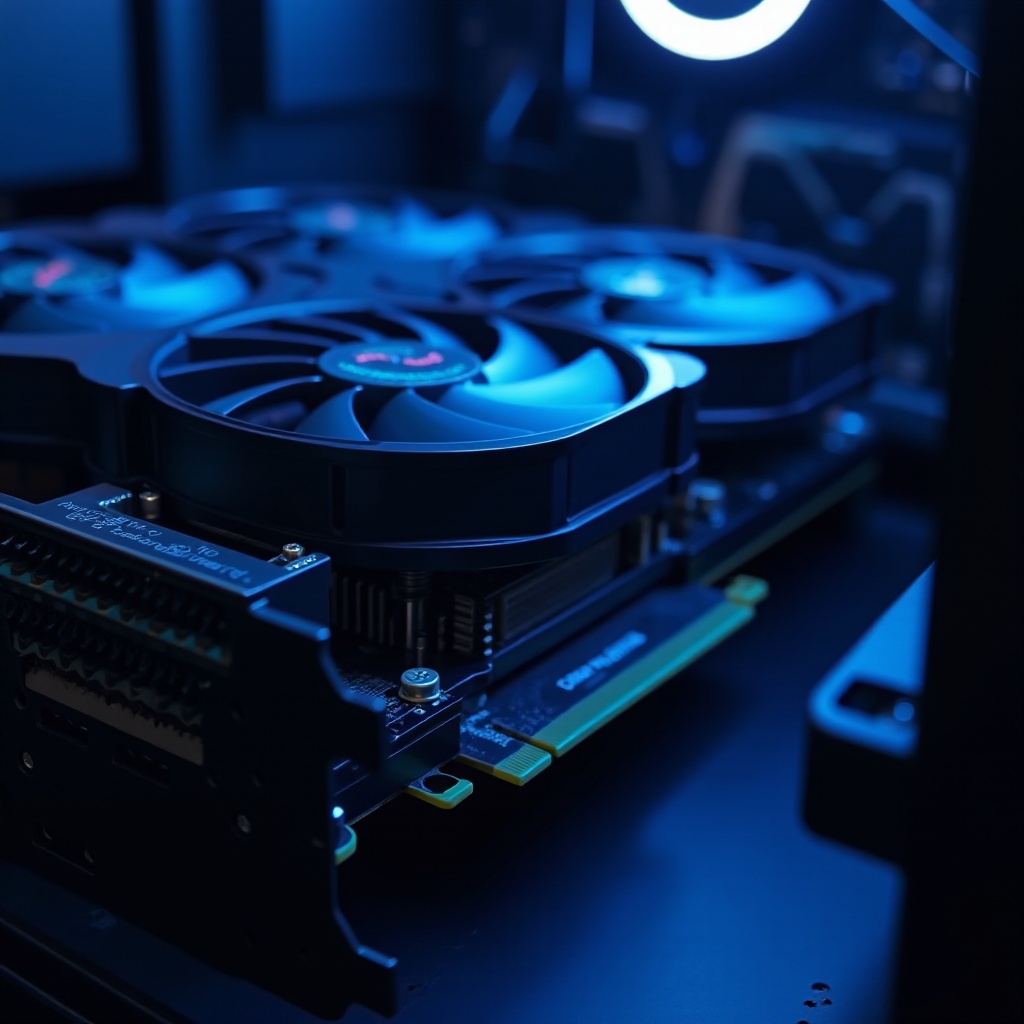
The addition of a dedicated graphics card to your PC setup can revolutionize the way you interact with your computer, particularly for tasks demanding high graphical performance.
-
Superior Gaming Performance: Games in 2024 are more graphically advanced than ever, requiring formidable processing power to run smoothly. Dedicated graphics cards support cutting-edge technologies like real-time ray tracing, providing immersive experiences with high frame rates and stunning visual fidelity.
-
Enhanced Creative Software Usage: For professionals and hobbyists alike, dedicated graphics cards expedite rendering and enhance the performance of software used in video editing, 3D modeling, and graphic design, leading to a more fluid and time-efficient workflow.
-
Better Video and Multimedia Experience: Streaming high-definition video content and ensuring smooth playback becomes much more efficient with dedicated graphics hardware, enhancing the overall multimedia consumption experience.
Understanding these benefits can guide users toward making informed decisions when it comes to upgrading their systems. The next step in this process is determining how to choose the ideal card for your needs and circumstances.
How to Choose the Right Dedicated Graphics Card for Your PC
Choosing a dedicated graphics card involves understanding various determinants that affect performance and system compatibility. Let’s walk through these key considerations.
- Factors to Consider:
- Budget: Establish a realistic budget as card prices vary significantly, ranging from budget-friendly options to premium models.
- Performance Needs: Assess what you will primarily use your computer for—whether gaming, professional software, or general use will dictate the specifications required.
-
Compatibility: Ensure compatibility with your motherboard, power supply, and computer case. It’s vital to verify that your system can support the card’s physical and power requirements.
-
Top Graphics Card Brands and Models in 2024: Major manufacturers like NVIDIA, AMD, and Intel offer a diverse range of models. NVIDIA’s RTX line is renowned for high-performance gaming, while AMD’s Radeon cards are favored in the creative software space.
Once you’ve made your choice, installing and maintaining your new graphics card correctly is crucial for achieving its full potential and longevity.
Installation and Maintenance Tips for Dedicated Graphics Cards
Proper installation and upkeep of your dedicated graphics card ensure you benefit from its capabilities fully.
- Step-by-Step Installation Guide:
- Turn Off and Unplug Your Computer: Begin by ensuring your PC is turned off and unplugged to avoid any electrical mishaps.
- Open the Case and Locate the PCI-Express Slot: Identify where your new card will be installed.
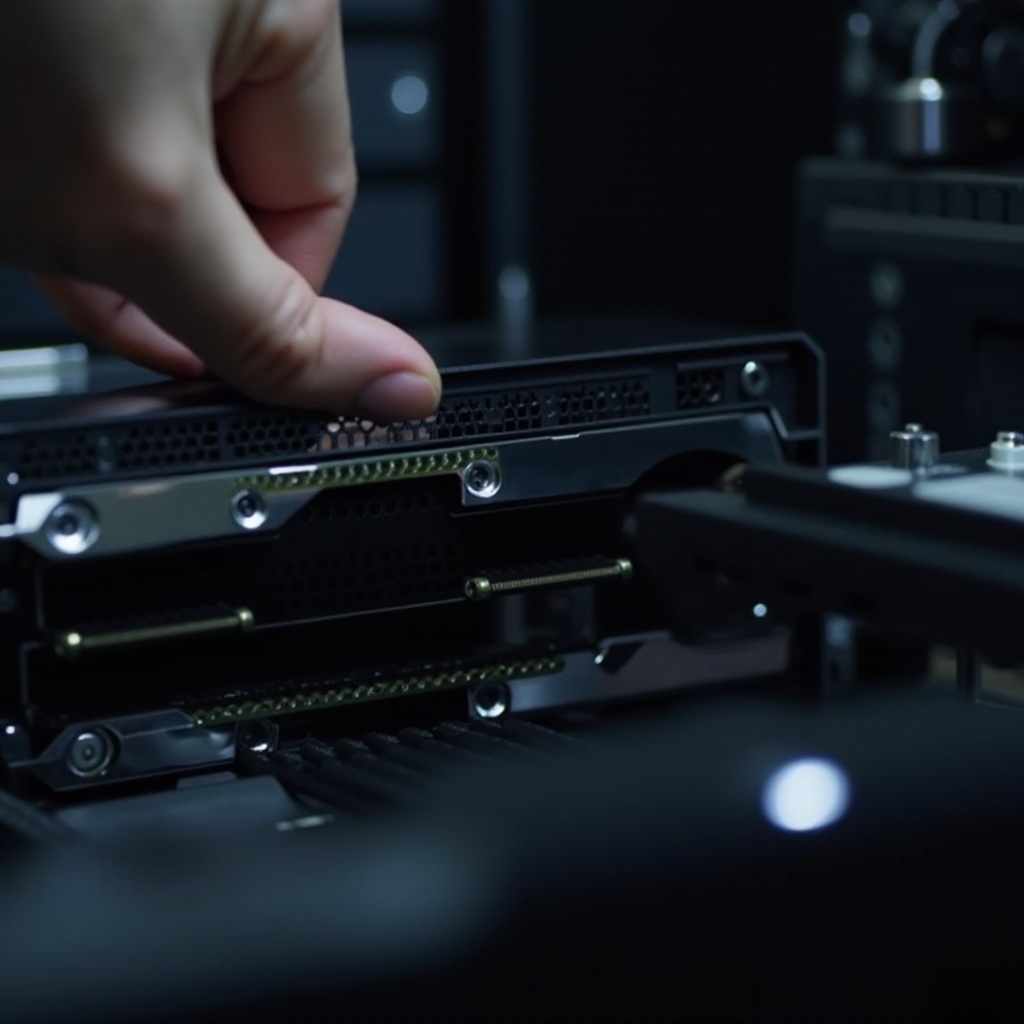
- Insert the Graphics Card Firmly into the Slot: Secure it in place with screws to prevent any movement.
- Attach Power Connectors: Connecting any necessary power cables from your power supply to the card.
- Close the Case and Connect Monitor Cables: Once secure, link your monitor to the card’s output ports.
-
Power On and Install Drivers: Start your PC and install the latest drivers from your card’s manufacturer for optimal performance.
-
Routine Maintenance and Updates: Consistently update your graphics card drivers to maintain peak performance and compatibility with emerging software. Regularly check for dust accumulation and clean your PC as needed to prevent overheating and ensure cool operation.
Having covered installation and maintenance, it’s time to summarize the insights gathered. Optimal care and strategic choice of a graphics card can greatly enhance your PC’s capabilities.
Conclusion
Adding a dedicated graphics card to your PC can play a pivotal role in maximizing its graphical capabilities. Whether your primary focus is gaming, creative content, or multimedia consumption, these cards offer a substantial improvement over integrated graphics. Selecting the right model and maintaining it correctly will ensure your computer not only meets but exceeds your expectations in performance and reliability.
Frequently Asked Questions
Can I add a dedicated graphics card to any PC?
Yes, but you must ensure your PC’s power supply, case size, and motherboard are compatible with the card.
How do dedicated graphics cards affect gaming performance?
They significantly enhance gaming visuals and performance, allowing for higher frame rates and advanced graphic features.
What are the latest trends in dedicated graphics cards for 2024?
Cutting-edge advancements in 2024 include real-time ray tracing, AI enhancements, and improved energy efficiency.