8 Feb 2026
Post by Aurorina
Introduction
The Nintendo Switch has cemented its place in the gaming world, known for its adaptability and unique gameplay experience. As more gamers look to share their gaming adventures with others, the question arises: can you stream on Switch? The answer is yes, although it involves additional steps compared to other consoles. This guide is designed to walk you through the entire process, from gathering the necessary equipment to optimizing your streaming setup. Whether you’re starting out or refining your stream, this guide provides all the insights you need.
Understanding Streaming Capabilities on Nintendo Switch
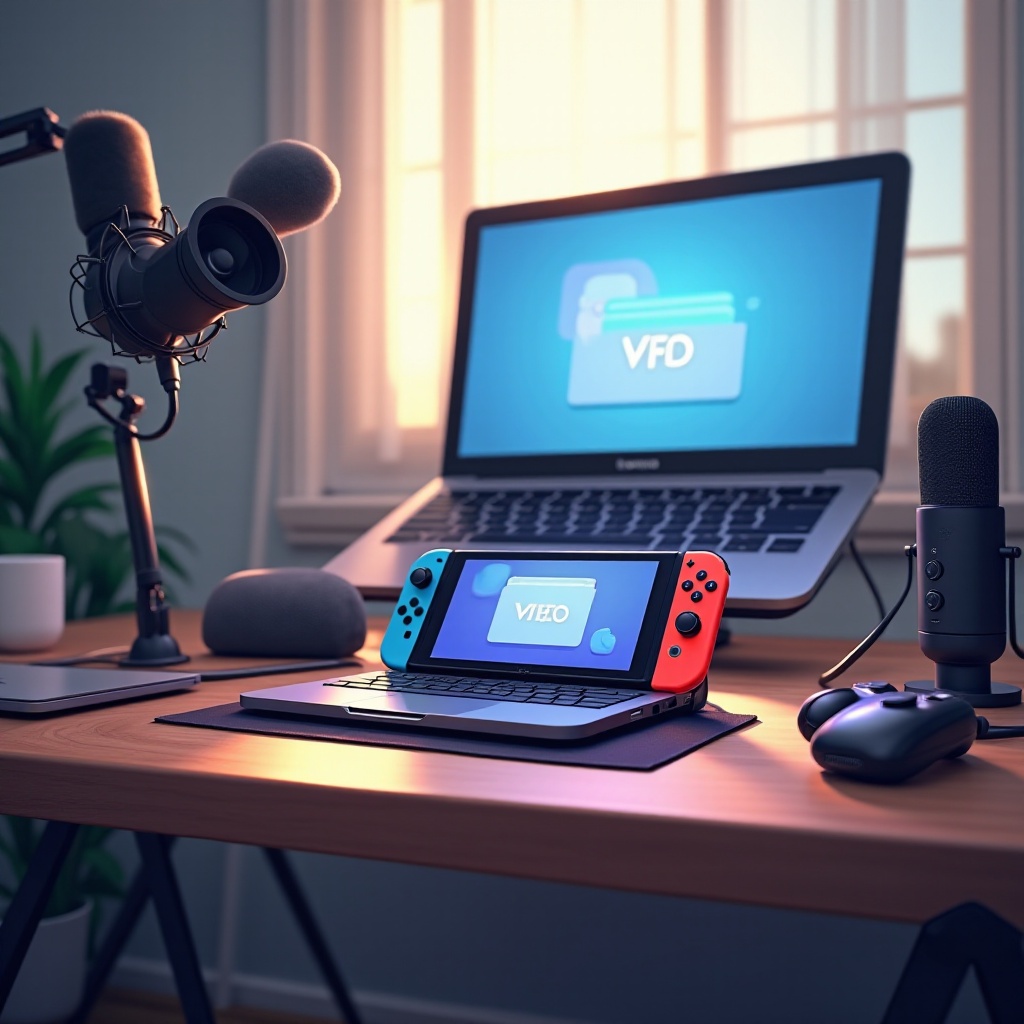
Nintendo Switch players often find themselves at a crossroads because the console does not support native streaming applications. Unlike other gaming consoles that have built-in streaming functionalities, the Switch requires extra hardware to broadcast gameplay. This challenge, however, is not insurmountable.
By using capture cards, gamers can transmit their gameplay from a Nintendo Switch to a computer, thus enabling streaming to various platforms. Understanding this necessity is crucial before initiating your streaming journey, as it lays the groundwork for setting up a successful stream.
What You Need to Start Streaming on Switch
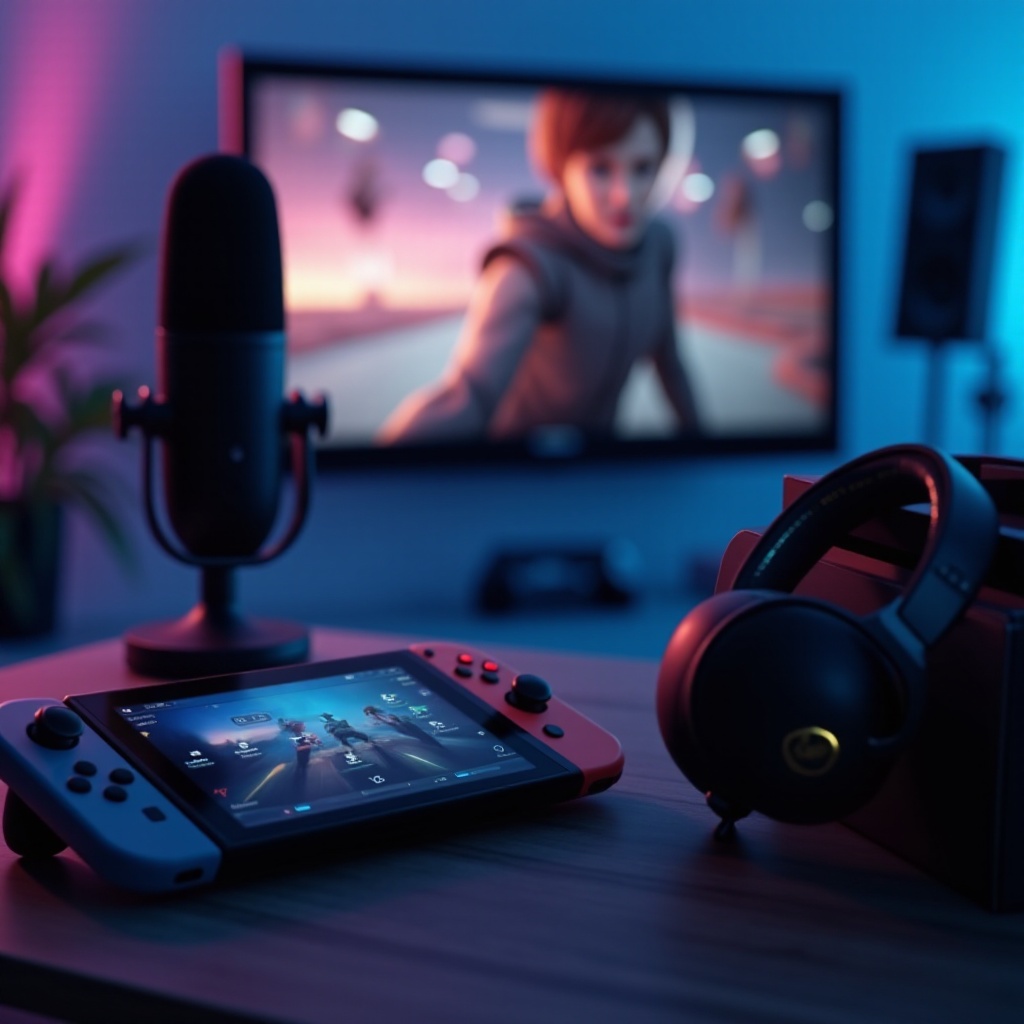
Before you can start streaming, it’s essential to equip yourself with the right tools. Here’s a detailed list:
- Essential Equipment:
- Capture Cards: Key to your streaming setup, capture cards like the Elgato HD60 S or AVerMedia Live Gamer Mini capture video output from your Switch and transfer it to your PC.
-
Microphones and Webcams: To enhance your streaming presence, consider devices like the Blue Yeti microphone for quality audio and the Logitech C920 webcam for clear video interaction.
-
Recommended Software:
- OBS Studio: A highly versatile, open-source software that allows for a customized streaming layout.
- Streamlabs OBS: Offers additional user-friendly features and direct integration with major streaming platforms.
With the necessary equipment and software in place, you’re now prepared to dive into setting up your stream.
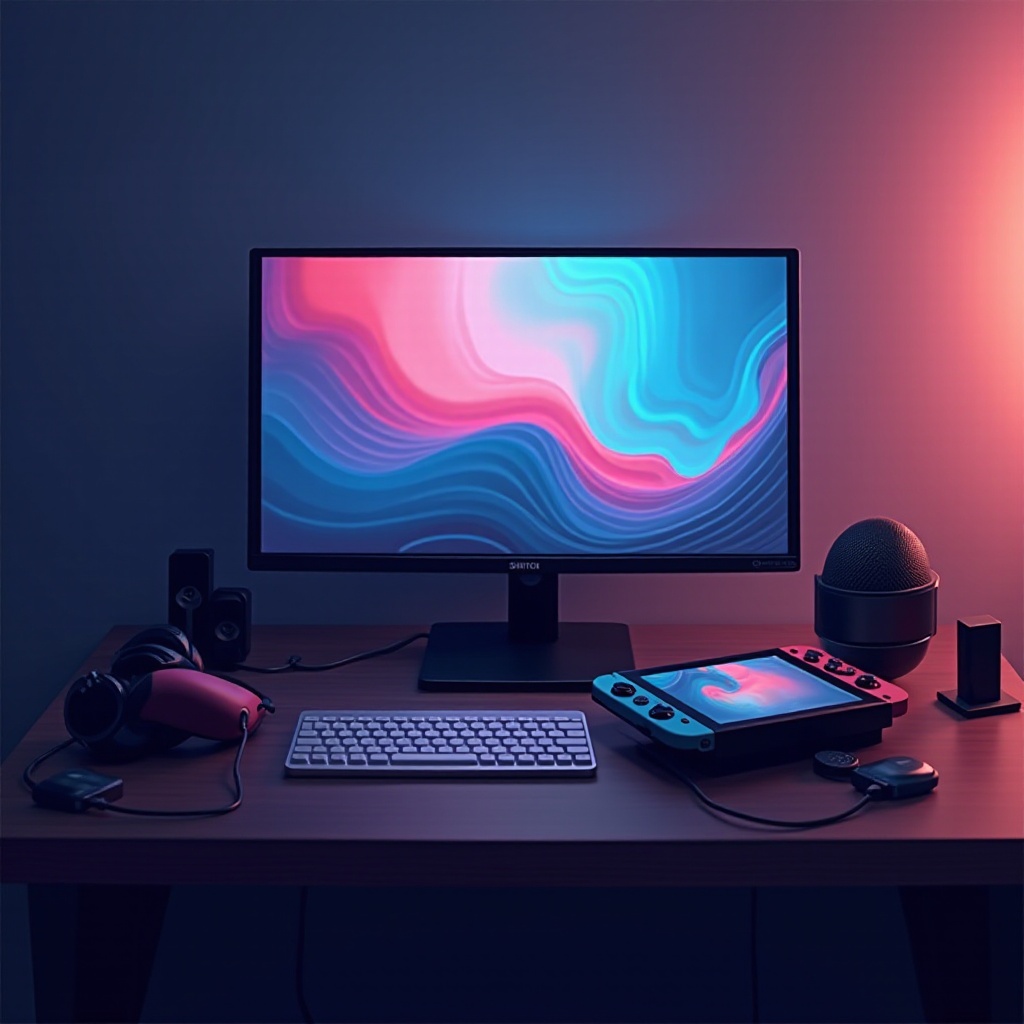
Step-by-Step Guide to Streaming on Switch
Having gathered your equipment and software, let’s move on to setting up your streaming environment.
- Setting Up Hardware:
- Connect Your Capture Card: First, connect the HDMI cable from your Nintendo Switch dock into the capture card’s ‘In’ port. Use a second HDMI cable to connect the ‘Out’ port of the capture card to your monitor or TV.
-
Connect to Your Computer: Utilize a USB cable to link the capture card to your computer, enabling the streaming of captured footage.
-
Configuring Software:
- Install OBS Studio or Streamlabs OBS: Download and install your choice of streaming software.
-
Create Your Scenes: Using the software, set up scenes that incorporate your gameplay footage, webcam feed, and any desired stream alerts.
-
Test Your Setup: Before beginning your stream, make sure to test your entire setup to ensure optimal performance. This includes checking audio levels, video quality, and making sure your internet connection is robust enough to support a seamless streaming experience.
After completing these steps, your Nintendo Switch setup is ready for broadcasting.
Tips for Successful Streaming
To become a successful streamer, you need more than just a solid technical setup. Fostering audience engagement and maintaining a consistent streaming quality are just as important. Here are some strategies:
- Enhance Internet Stability: Make sure you have a stable internet connection with ample bandwidth to prevent lag.
- Interact with Your Viewers: Regularly engage with your audience through chat responses and discussions, building a community atmosphere that keeps viewers returning.
- Maintain a Schedule: Regular streaming times help build an audience that knows when to log on and watch.
By implementing these practices, you ensure a rewarding streaming experience for both you and your viewers.
Troubleshooting Common Streaming Issues
Even the best set-up can encounter problems during streaming. Here are some common issues and how to resolve them:
- Internet Connectivity Problems: Lag disrupts streams. Address this by checking your connection, rebooting routers, or opting for a wired connection.
- Audio and Video Quality Problems: If the stream appears subpar, review your OBS settings to ensure proper resolution and bitrate are in use relative to your system capabilities.
Being proactive with troubleshooting can greatly enhance the streaming experience, providing confidence in dealing with potential disruptions.
Conclusion
While streaming on the Nintendo Switch requires additional steps compared to other consoles, it’s a highly rewarding effort. Once you have a solid understanding of the necessary equipment and software, along with effective setup strategies, you can easily share your gaming experiences with the world. Choose to dive into this adventure, and the rich, social world of streaming awaits.
Frequently Asked Questions
Can you stream directly from the Nintendo Switch without a capture card?
No, the Nintendo Switch lacks built-in streaming capabilities, so a capture card is necessary to broadcast gameplay on platforms like Twitch or YouTube.
What platforms can you stream to when using Switch?
With the help of OBS or Streamlabs OBS, you can stream Nintendo Switch gameplay to platforms like Twitch, YouTube, and Facebook Gaming.
Are there any significant updates expected in 2024 for Switch streaming?
Currently, Nintendo hasn’t announced any updates for native streaming. However, improvements in third-party hardware and software continue to enhance streaming options.